Tuesday, 14 March 2023

Hustler’s Guide to Monetizing Your Website (21 Ideas)

Wouldn’t earning a little extra money from your website be fantastic? You put all this work into a website, and you deserve to have it work for you! Monetizing your website can give you a form of passive income, allowing you to make money with little time and effort – But it’s important to know the ins and outs of monetization to help you achieve your goals.

Fortunately, there are plenty of ways you can monetize your website. Whether you’re just starting out or you’re a seasoned pro, you’re sure to find an option that suits you. For example, you could turn your site into a membership platform, sell digital products, or become an affiliate marketer.

In this post, we’ll take a look at why you should consider monetizing your site. Then, we’ll discuss 21 exciting monetization ideas to choose from. Let’s get started!

Why Monetize Your Website?

You might already know that monetizing your site enables you to unlock revenue from your content. Still, you also probably know that this tends to generate irregular earnings.

The good news is that with the right methods, you can actually turn your website into a consistent passive income stream. Plus, you can mix and match different methods to further stabilize your earnings.

One of the best parts about passive income is that once it’s set up, it requires very little time and effort to maintain. Therefore, it’s an excellent route if you’re looking to achieve a better work-life balance.

On top of that, the money that you make from your website can easily cover the costs associated with running your site. So, rather than cutting into a portion of your salary, you’ll be able to pay for web hosting, premium plugins, and more, with the money you make.

In fact, you might currently be managing your website on a strict budget, forced to use poor-quality hosting and sub par themes. But, once you get started with monetization, you can finally upgrade your existing plans, setting you on the right track to grow your website.

It’s also good to keep in mind that not all of the advantages are money-oriented. For instance, monetization can organically create opportunities to diversify the way visitors engage with your content. For instance, you can offer more value and more ways to get involved with your site via memberships, consultations, or webinars.

Get Content Delivered Straight to Your Inbox

Subscribe to our blog and receive great content just like this delivered straight to your inbox.

When to Consider Monetizing Your Website

Lots of small online businesses begin as a side hustle: a way to make some money while exploring your passion. But, eventually, if you find an audience and your idea gains traction, you might seriously consider turning your hobby into a profitable business.

However, timing is key. You may not see the best results if you start too early. With that in mind, here are some clear signs that you’re ready to monetize your website:

  • Niche. Having a clear, focused niche for your content is crucial if you want to successfully monetize it. If readers can’t find the same information elsewhere, your material will likely become popular.
  • Traffic. The success of certain monetization strategies relies on high-traffic numbers. So, if your website is too new, you might want to wait till you’re more established and are gaining more visitors.
  • Engagement. Some techniques are better suited to a loyal audience rather than a large one. Do you receive regular comments? Shares? Likes? This shows that readers care about your website and take it seriously.
  • Schedule. If you’ve adopted a structured approach to your website or blog (rather than posting when you feel like it), you might be ready for monetization. For example, you might schedule posts at the same day and time every week. This is critical since your audience will come to trust you when you share content consistently.

If you’re not hitting the mark with any of these factors, then it might be best to keep publishing content and work on growing your audience before turning towards monetization.

The Hustler’s Guide to Monetizing Your Website (21 Ideas)

Now that you know whether monetization is a viable option for your site, let’s take a look at twenty-one ideas to inspire your efforts!

1. Become an Affiliate Marketer

Affiliate marketing involves a mutually beneficial relationship between your website and different companies. In exchange for a commission, you promote their products or services.

Rather than relying on traditional ads, companies distribute affiliate links for you to include in your content. You get your own unique link (as does every affiliate working with the brand) and generally, the link leads to a particular product that you’ve been asked to promote.

This method is a great option for blogs since it can be easy to implement your affiliate links naturally within posts and comments. However, it can also be a good option if you have a YouTube channel since you can utilize the description box:

An example of an affiliate link in the YouTube description box

Details vary depending on the program you join, but you’ll get an attractive deal with the DreamHost affiliate program. It takes just two minutes to sign up and you can earn up to $200 for every referral you make:
DreamHost affiliate program

You’ll have the most success with affiliate marketing if your website has a large amount of traffic. However, you can also use tools like ThirstyAffiliates to help you manage your programs, easily add links, and view analytics to improve your efforts.

2. Use Google AdSense

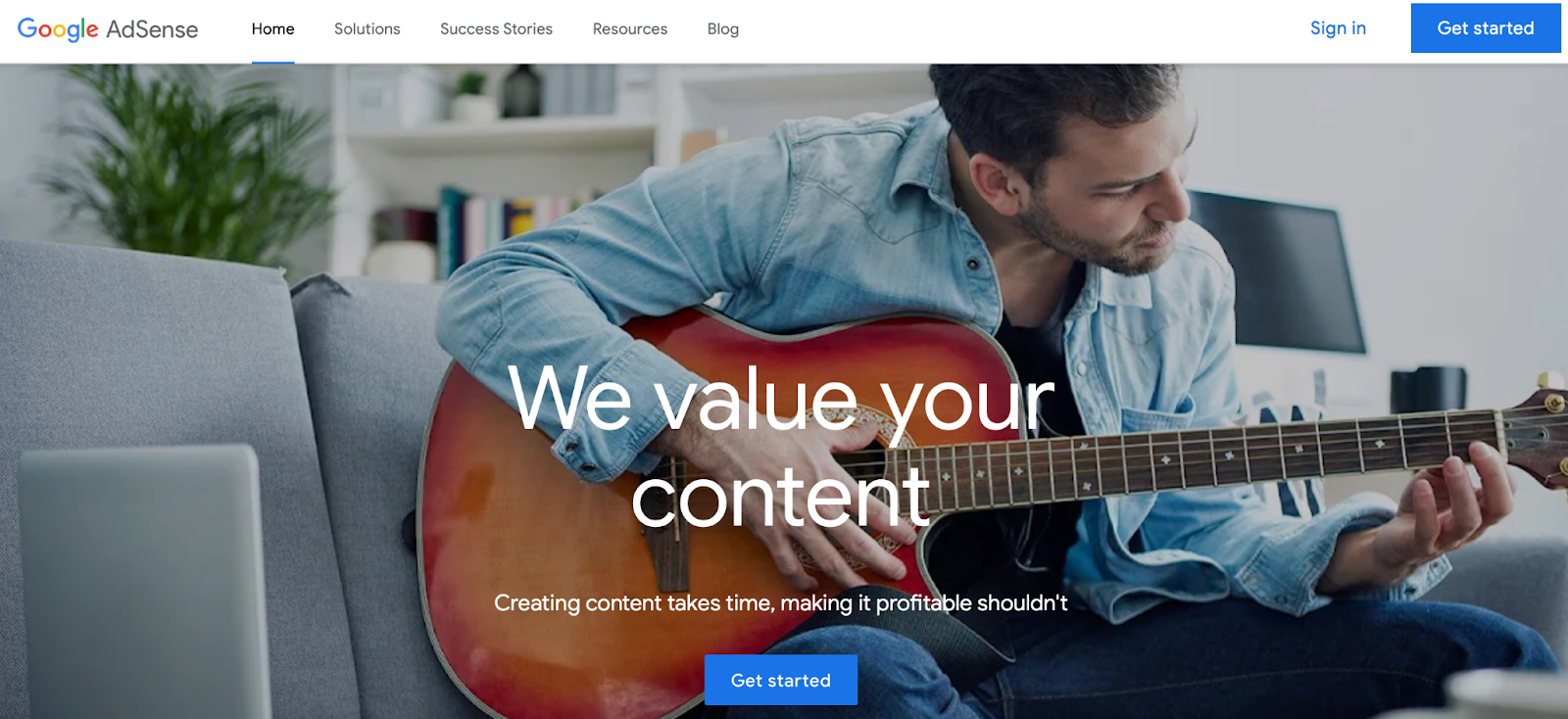
Google AdSense is an ad network that provides a quick way to monetize your site. While it involves displaying ads on your pages, it’s much more user-friendly than selling ads yourself.

Thanks to Google’s advanced algorithm, this tool allows you to present tailored ads to your visitors. Since these are more relevant to your users, they tend to be less frustrating:

Google AdSense
Google-adsense
Google AdSense

The network matches advertisers that want to promote their business with publishers that have ad space to sell. Typically, you’ll be matched with brands that share a similar niche or audience to your website.

Then, every time a reader clicks on one of your ads, you’ll make a cut of whatever the advertiser pays Google. It’s important to note that you might not make as much money as you would by doing this yourself, but it requires much less effort. Plus, Google’s ads are less disruptive to your User Experience (UX).

To get started, you’ll need to create a Google account. You might already have one if you use tools like Drive, Docs, or Gmail. Then, you’ll fill in a quick form about your website.

Additionally, if you’re not sure about the best placements for your ads, you can always opt for auto ads. This way, Google chooses the best locations for your ads automatically.

3. Sell Ads on Your Site

Selling ads on your website requires a lot more time and effort than using an ad network. However, it also means you can reap bigger rewards since there’s no middleman taking a cut of the profits.

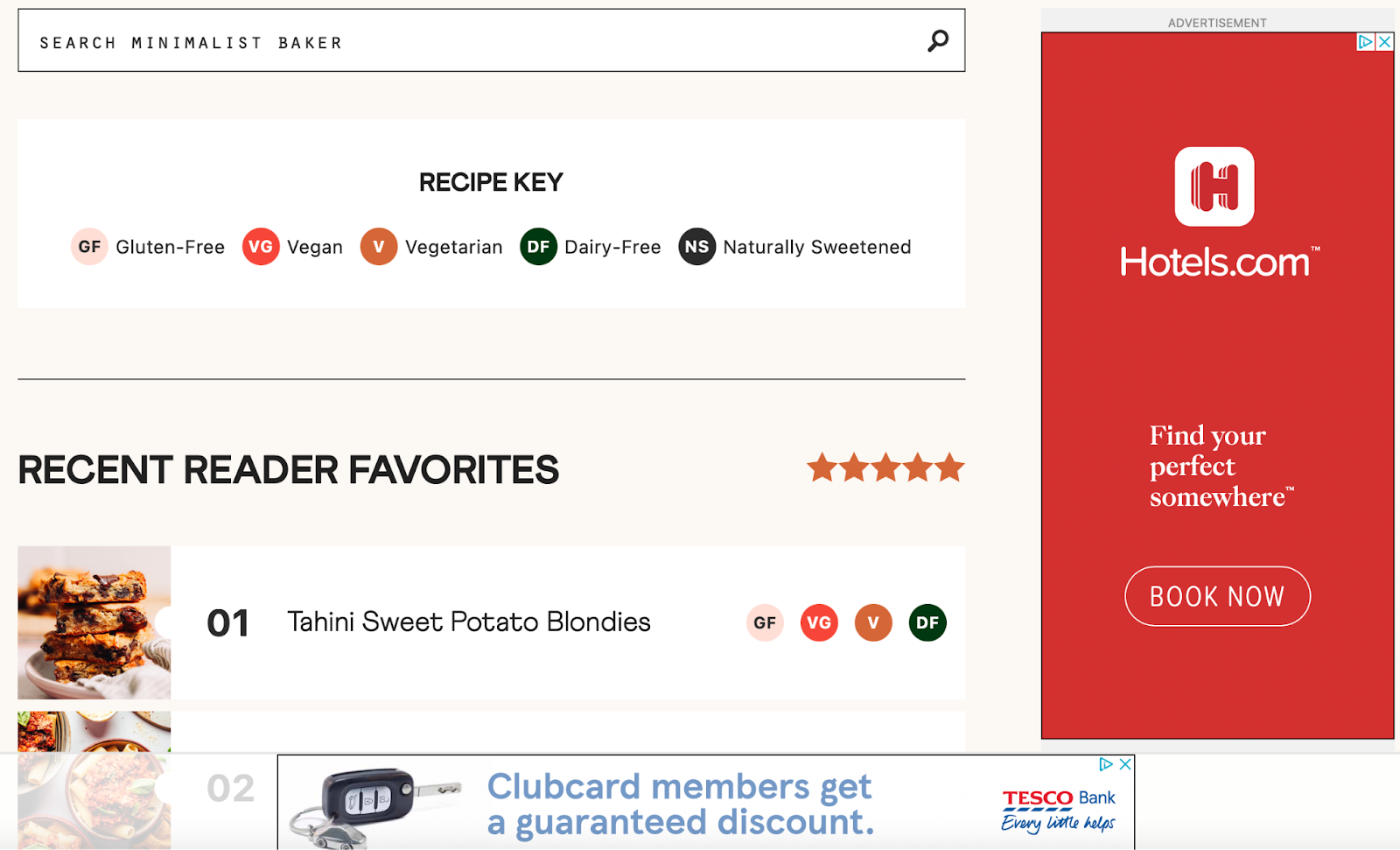
Instead, you’ll go directly to the advertiser, giving you more control over the brands you work with and the ads you run. Plus, it enables you to set your own price and determine how long the ads will appear:
An example of display ads on a website

However, with this method, you’ll need to be comfortable handling the negotiations yourself. What’s more, it requires you to catch the eye of advertisers. Factors that can make you seem more appealing include high traffic numbers, competitive pricing, and a sought-after niche.

To get started, you’ll need to find advertisers that you want to work with. Then, you’ll need to give them a reason to work with you. Once your site grows and you have a larger sphere of influence, this strategy becomes easier. In fact, quite often, brands can end up reaching out to you.

4. Publish Sponsored Posts

Sponsored posts offer another monetization method that’s based around partnerships. However, it’s much less aggressive than presenting ads on your site.

You’ll still need to join forces with other blogs or companies. But, rather than promoting these brands directly, you’ll publish content on your blog that features their products or services. This tends to feel more natural for some publishers, rather than taking a hard-sell approach.

There are also different ways that you can execute this strategy. For instance, the brand can create the content and hand it to you for publication. Or, you can create the content yourself. In which case, you can charge a lot more.

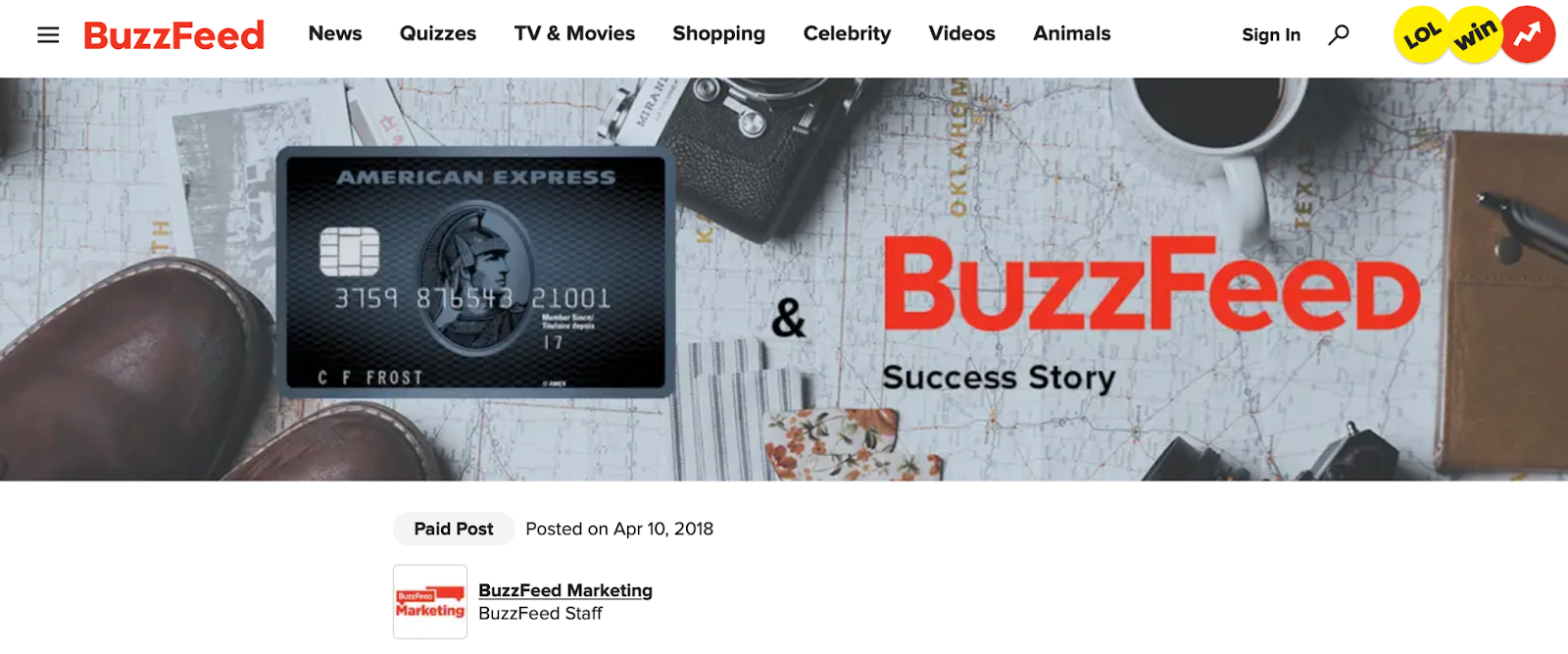
The sorts of posts you can create include roundups, product reviews, tutorials, etc:
An example of a sponsored post

However, there are some key factors to consider before getting started with this method. For starters, you’ll need to make sure you adhere to the Federal Trade Commission’s rules regarding disclosure. As such, it’s important to be transparent about any posts that are sponsored.

You can reach out directly to companies or blogs that you want to work with. Or, you can register with a site like PayPerPost:
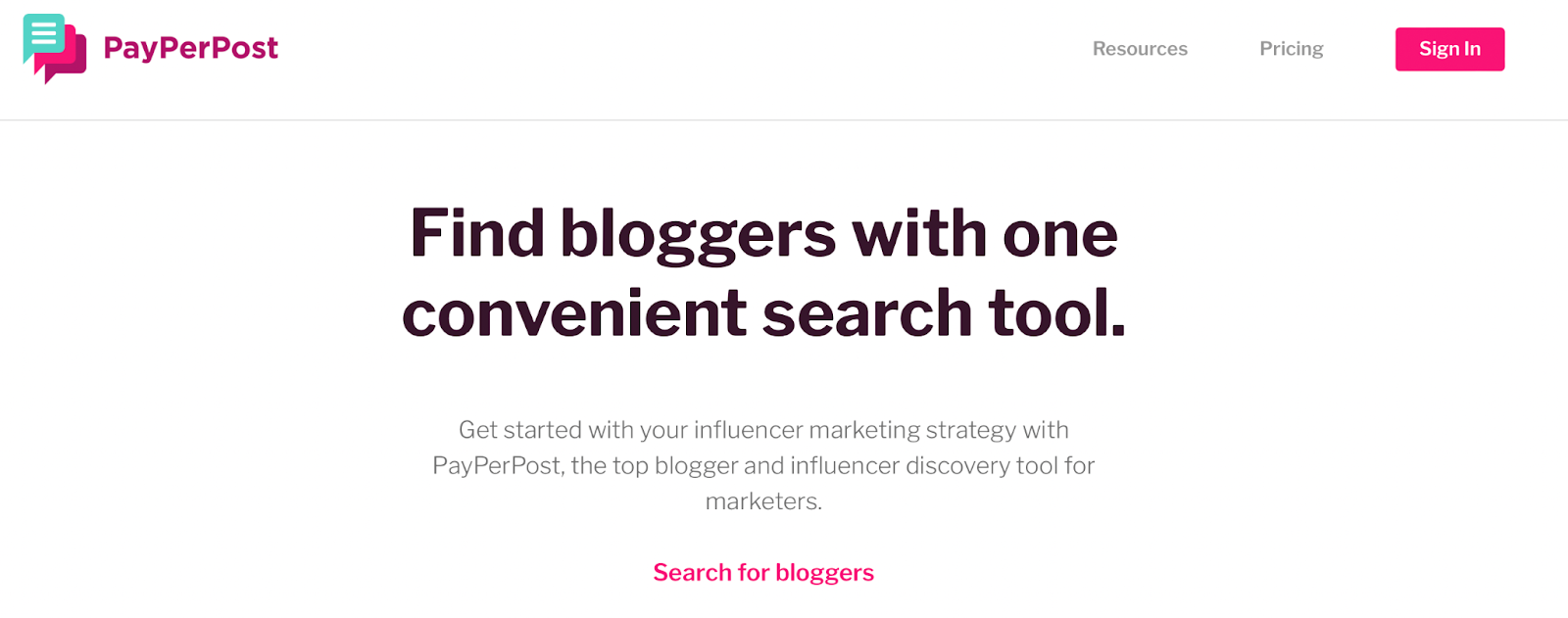
PayPerPost directory

PayPerPost is a directory that enables sponsors and bloggers to connect with one another. All you need to do is fill out a quick form to get listed in the directory.

5. Become an Influencer

If you already have a strong social media presence, one of the easiest ways to monetize your website is to become an influencer. However, strong doesn’t necessarily mean big. In fact, micro-influencers have as little as 1000 followers.

Micro-influencers are an attractive option for brands since they are a lot cheaper than partnering with more established creators. Plus, quite often, micro-influencers occupy a more specific niche which can be appealing to sponsors.

For instance, Gvantsa Ivanishvili is a fashion influencer with just 14.9k followers. But, thanks to her minimalistic style and clean content, she’s acquired a loyal and engaged audience:

An example of a micro-influencer

If your following is small, it will generally be up to you to strike up negotiations with brands. However, as your influence extends, companies can end up flocking to you.

Influencing works a bit like affiliate marketing, but it’s largely based on social sites like Instagram and TikTok. Similar to affiliate marketing, you’ll recommend products and services in exchange for a fee. But, pricing tends to be more flexible, working on a case-by-case basis.

Typically, you’ll be paid a commission as you would with affiliate links or ads. Eventually though, you could be given a contract for your efforts. This can bolster a long-term partnership, enabling you to generate a more stable income:

An example of a long-term sponsorship contract for influencers

To get started, you can reach out to companies or apply to a site like Famecast. You’ll also need to work on building your network and engaging with your audience to build loyalty.

6. Sell Physical Products

If you make physical products yourself, or you have the potential to start doing so, you can monetize your website by selling your work. Think about the types of custom gifts you find on marketplaces like Etsy. Thanks to the level of personalization, these tend to be a big hit:

Personalized physical products

However, with these types of marketplaces, you can end up paying hefty commission prices. Instead, you can get started with WordPress and then install WooCommerce to transform your website into an online store. Then, you can accept payments by integrating your store with a payment gateway like PayPal.

You can sell anything from hand-made goods like ceramic mugs or leather accessories to personalized greeting cards. Or, if you don’t have the creative skills to get going yourself, you can always resell products you’ve purchased from a supplier.

7. Sell Digital Products

Digital products are easy to sell since they don’t require inventory space or shipping costs. This makes it less expensive for you to get started with this monetization method. Better yet, digital products are usually downloaded by users, so they are instantly accessible.

When it comes to digital products, there are plenty of options for you to choose from, depending on your area of expertise. For example, you might be a personal trainer. In which case, you could sell workout guides. For creative professions, you can sell photographs, sheet music, or illustrations:
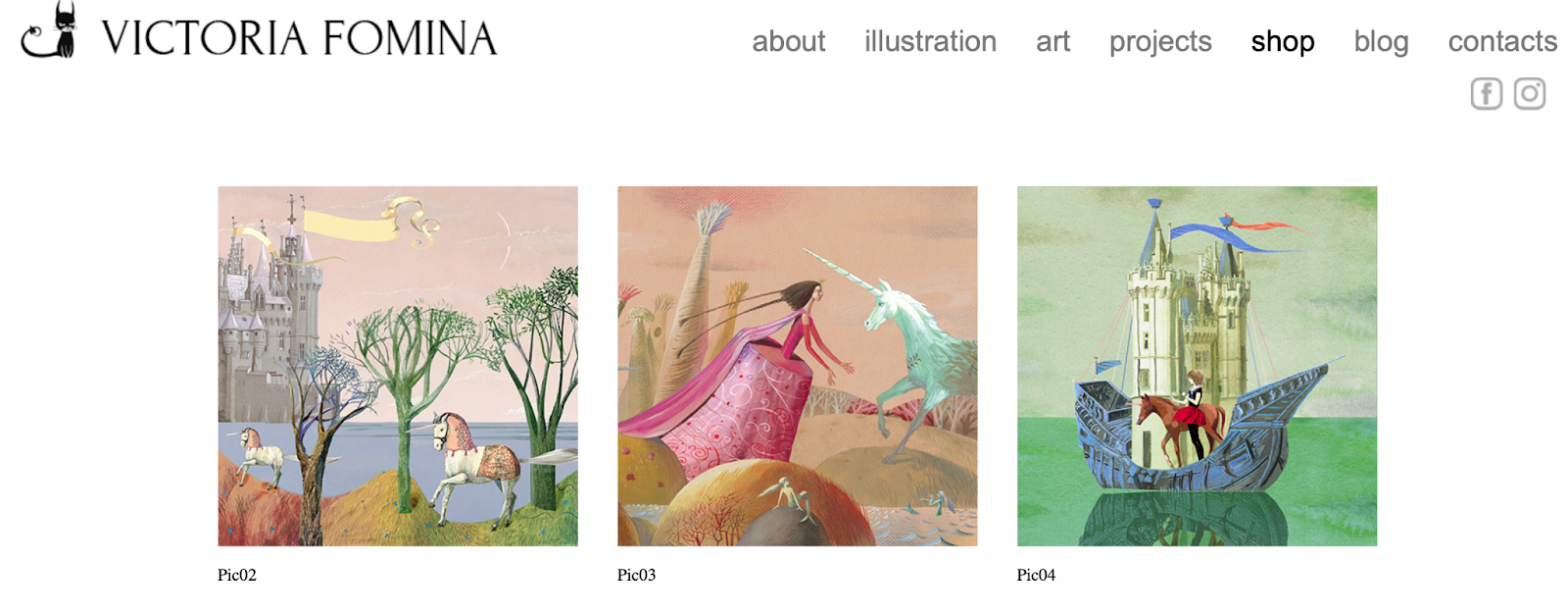
Sell digital products like illustrations

If this is an option for you, the best news is that it’s super simple to get started. Once you’ve set up your website with WordPress, you can add a plugin like Easy Digital Downloads to store and sell your digital files.

8. Create Licenses for Your Digital Products

In addition to selling digital products, you can also sell the license agreement for each of your products. The license determines what the customer can and can’t do with the product since the item contains your intellectual property.

You can use different licenses for different products, or match licenses to specific pricing levels. For instance, you might offer a lower price for a license that’s only valid for non-commercial usage. However, it’s generally best to consult a legal professional when deciding on licensing.

9. Offer a Coaching or Consultation Service

If you have expertise in a specific area, you can offer a coaching or consultation service to monetize your website. For instance, you might be a thought leader, industry expert, or influencer.

This is an excellent venture if you enjoy engaging with people one-on-one. Your coaching or consultation service can be done in-person. But, you can also leverage virtual sessions to reach more people, regardless of their location:

An example of an online coaching business

It’s important to be aware that this method requires more ongoing time and effort than other options such as passive income streams. Therefore, it’s a good fit if you want to ease into starting your own business, with the goal of eventually making it your full-time job.

What’s more, you’ll need to be able to promote your services effectively. That’s why it can be useful to set up landing pages for each of your services while utilizing social media to market your offerings. Additionally, you can add a scheduling plugin to your website like Booking Calendar to enable visitors to schedule appointments easily.

10. Create an Online Course

Another effective way to monetize your website is to create an online course. Since COVID-19, distance learning and online education has become increasingly popular.

It’s probably no surprise that nearly 46% of students in U.S. public institutions were enrolled exclusively in distance education courses in 2020. Now, it’s projected that over 902 million users worldwide will be seeking officially accredited degrees and certificates online by 2027.

Offering online courses is a great idea if you possess a particular expertise that you want to share. For example, you might be a successful expat, thriving far from home. In which case, you could create a course teaching others how to achieve the same success:

An example of an online course

Alternatively, you might be an entrepreneur with the knowledge to help others achieve six figures with a startup. However, you can also create short fun courses. For instance, you might help people learn a language or teach people a craft like knitting or sculpting.

What’s great about creating an online course is that you can also combine this method with other ideas in this guide. For example, you can add your affiliate links within your course materials and include ads within your content.

To get started, you can add a Learning Management System (LMS) plugin like MemberPress Courses to WordPress. This tool enables you to set up your courses, integrate a payment gateway, and protect your content with unique membership access controls.

11. Launch a Webinar

If you’d prefer to connect with your audience on a more personal level, then you can create a webinar to monetize your website. This way, you can organize and host virtual summits that can be delivered as recorded or live webinars.

This is a great option if you enjoy having lots of control over your schedule, since you’re able to leverage specific times of the year when you need an income boost. Plus, it’s a very flexible option.

For instance, your online event can be anything from a mini conference to a workshop:

An example of a webinar workshop

You can either charge visitors to join your webinar, or if you run a membership site, you might offer it to your members for free.

To get started, you’ll need to embed a list of upcoming events on your pages. Then, you can add a registration form where users can sign up with their names and email addresses. It’s super easy to coordinate your website with your webinar using a tool like WP GoToWebinar.

12. Start a Podcast

Starting a podcast is an exciting way to monetize your website. Podcasts have recently become very popular, and they’re even expected to gain further traction. Here are some statistics to motivate your future venture:

  • 82 million people listened to podcasts in 2021, with an estimated projection of 100 million listeners by 2024
  • Only 22% of people were aware of podcasting in 2006 but this figure rose to 79% in 2022

A podcast is also a great add-on to other platforms like blogs since you can repurpose your written material as podcast episodes. Plus, podcasts lend themselves well to video content that you might publish on YouTube or TikTok.

To get started, you can join a podcast network or list your podcast in directories like Spotify and Apple:
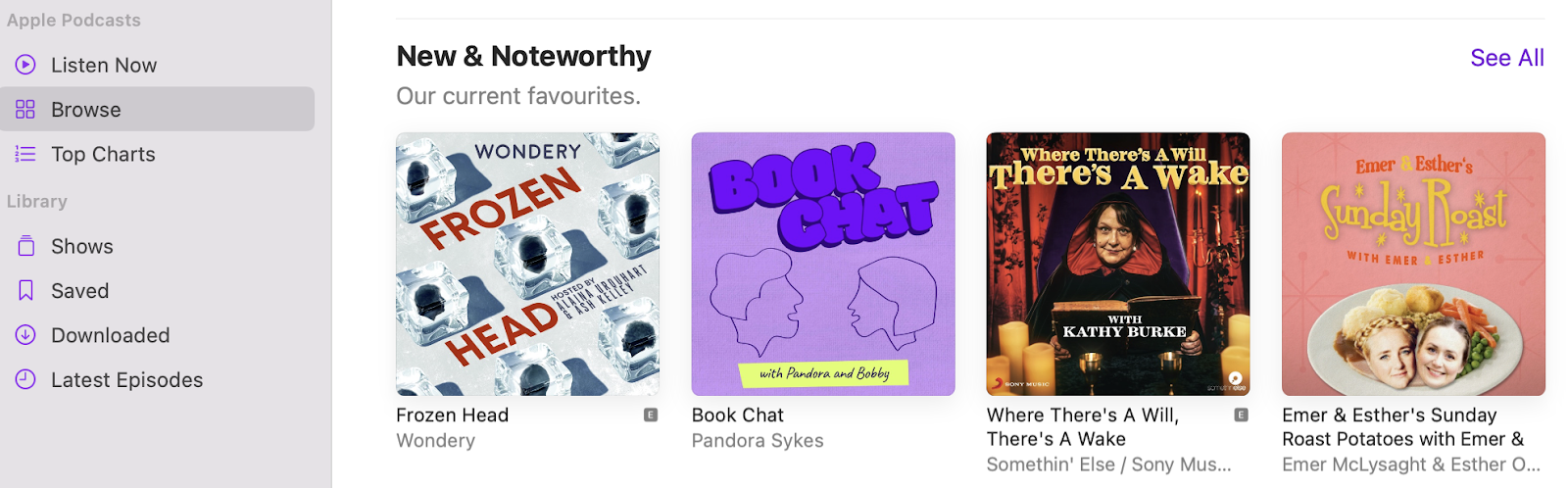
Apple podcast directory

Alternatively, you’re able to create your own podcast website with a tool like Podcastpage to gain complete creative control over your content.

Then, once you’ve established your podcast and are attracting sufficient listeners, you can utilize other monetization methods in this guide. For example, you can create a podcast membership site, include ads within your episodes, and publish sponsored content.

13. Create a YouTube Channel

Since YouTube has been around for a fairly long time, you might not think this is a viable method to monetize your website. However, the number of YouTube users has been continually increasing and is estimated to reach a new peak of 1.1 billion users in 2028.

Creating a YouTube channel is a great choice if you enjoy connecting with your audience and producing video content over text-based material. Plus, there are multiple ways to earn money through YouTube such as subscriptions, advertising revenue, and affiliate marketing:

an example of a YouTube channel using affiliate marketing

The YouTube Partner Program is a great place to start with your research. If you can’t apply for the program, you can still use YouTube to direct visitors between your channel and your website.

Additionally, you don’t need to spring for expensive equipment. In fact, it can be best to get started shooting videos with your phone before deciding whether this is an avenue you’d like to explore further.

14. Accept Donations

One of the simplest ways to monetize your site is to ask readers for donations. It’s not necessarily the best way to earn lots of money, but you might make enough to cover ongoing costs like web hosting, premium themes, and plugins.

This strategy works best for high traffic sites because even if people don’t donate a lot, it can add up to a sizable amount. If you feel uncomfortable asking visitors to donate to your site, it can help to share information about what the money will go towards.

For instance, an artist might collect donations to put towards an exhibition. Or, a musician may collect payments to subsidize touring costs.

Better yet, there are plenty of ways to get started. You can either start a crowdfunding campaign and promote it on social media. Or, you can install a donations plugin like GiveWP.

Lastly, you might prefer the more manual route, implementing donation buttons on your site using a plugin like Buy Now Plus. Then, you can integrate your site with a payment gateway such as PayPal.

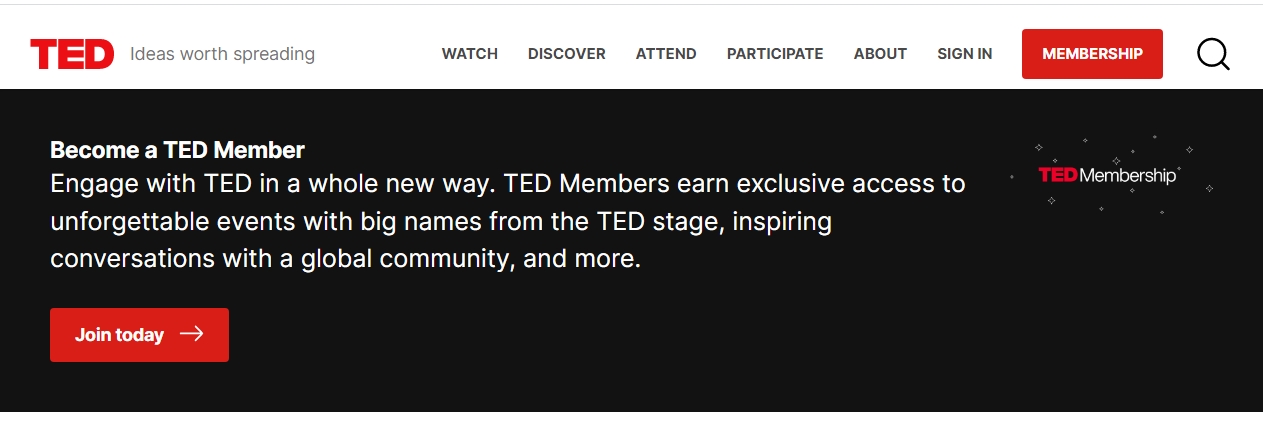
15. Create a Membership Website

A membership website is an excellent option if you want to unlock revenue from your site without using ads or partnering with companies. Plus, it’s a very flexible solution.

For instance, you might choose to paywall all of your content, making it exclusively available to users with a membership. Or, you can make your website accessible to everyone and then ‘gate keep’ your best content like blog posts, courses, or recipes:
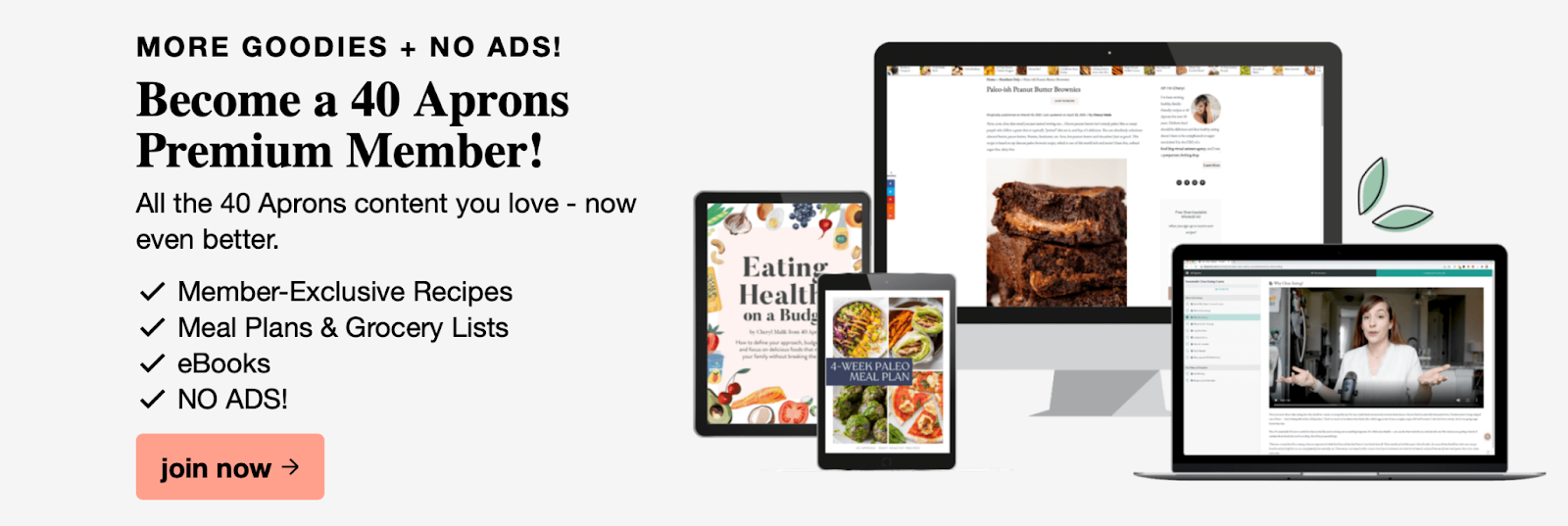
An example of a membership website

Typically, it can be useful to offer at least some content to non-paying visitors. This way, users can get a preview of the value that your membership plans offer.

Then, you can provide various membership options to suit different budgets. For example, you can offer a basic option with access to a handful of resources. Meanwhile, your premium plan can provide additional perks for a higher price.

To get started, you can use a plugin like MemberPress to add to your WordPress website. This is an effective way to protect your content with membership rules so that only logged-in users or users with a specific membership can access your content.

16. Set Up a Swag Shop

Setting up a swag shop is a fun, creative way to monetize your site. It involves selling physical products (usually) that feature your brand name and/or logo. As such, it works best for individuals or brands with a loyal fanbase.

When choosing products to sell, it’s helpful to consider your niche and audience. For instance, a serious profession like a law firm might opt for coffee mugs or stationary. Meanwhile, individuals in the creative sector might prefer to sell clothing items or phone cases:

An example of swag items to sell on your website

You can get started with WooCommerce if you want to turn your site into an e-commerce store. Then, you’re able to use the handy Printful Integration for WooCommerce.

This enables you to create a swag shop, choosing from an inventory of over 220 items. Better yet, some of these items can be customized by your followers. Plus, Printful will even ship items to your customers and help you set your prices.

17. Create a Dropshipping Store

Dropshipping is a relatively new but highly popular way to make money through your website. It’s a great way to test out ideas without having to invest in actual products yourself. This makes it a low-risk business venture.

So, what do we mean by that? Dropshipping enables you to sell products without actually having them in stock. Instead, you’ll purchase the items from a third-party site like Amazon. Then, the third-party site delivers the items to your customer. Essentially, you’re the middleman that facilitates the sale while making a profit.

You can use a tool like Oberlo to find the right products to sell. However, it’s best to go into dropshipping with an open-mind and a flexible approach. For instance, you might find that your preferred niche is too competitive. Or, perhaps your products aren’t in demand. In this instance, you can move onto another niche or product that sells better.

18. Deliver Premium Content to Your Email List

So far, we’ve looked at website-based monetization strategies. But, there are plenty of channels you can make use of. For instance, you can build your own mailing list and deliver premium content to your subscribers:
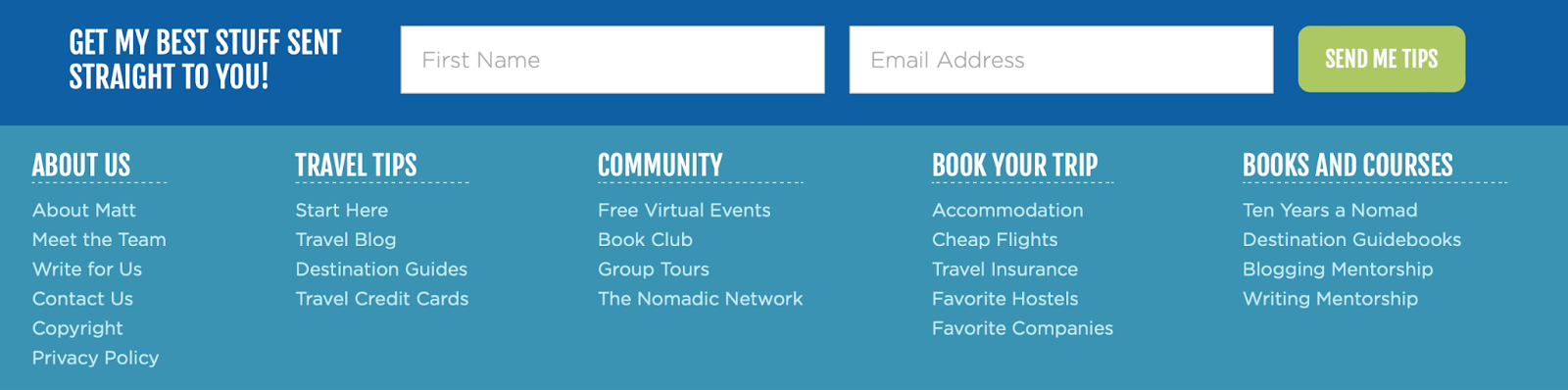
A signup form to start a mailing list

Like a membership website, this method works best with a loyal audience since members need to be willing to pay to access your content. Once your mailing list is set up, you can connect with readers in all sorts of ways. You might send newsletters, articles, or discounts for your products (or for your affiliate partners).

But, for those who have a membership to your site, you can also send premium content straight to their inboxes. Typically, you’ll need to include a signup form on your pages using a plugin like WPForms. Then, you can integrate your form with an email marketing provider like MailChimp.

19. Monetize Your Media Gallery

If you have a website with lots of original images, you can monetize your Media Gallery to generate an income. For instance, you might run a photography portfolio site or perhaps you design your own illustrations.

This way, you can sell your images straight from your Media Gallery in WordPress. All you need is the NextGEN Pro’s eCommerce System:
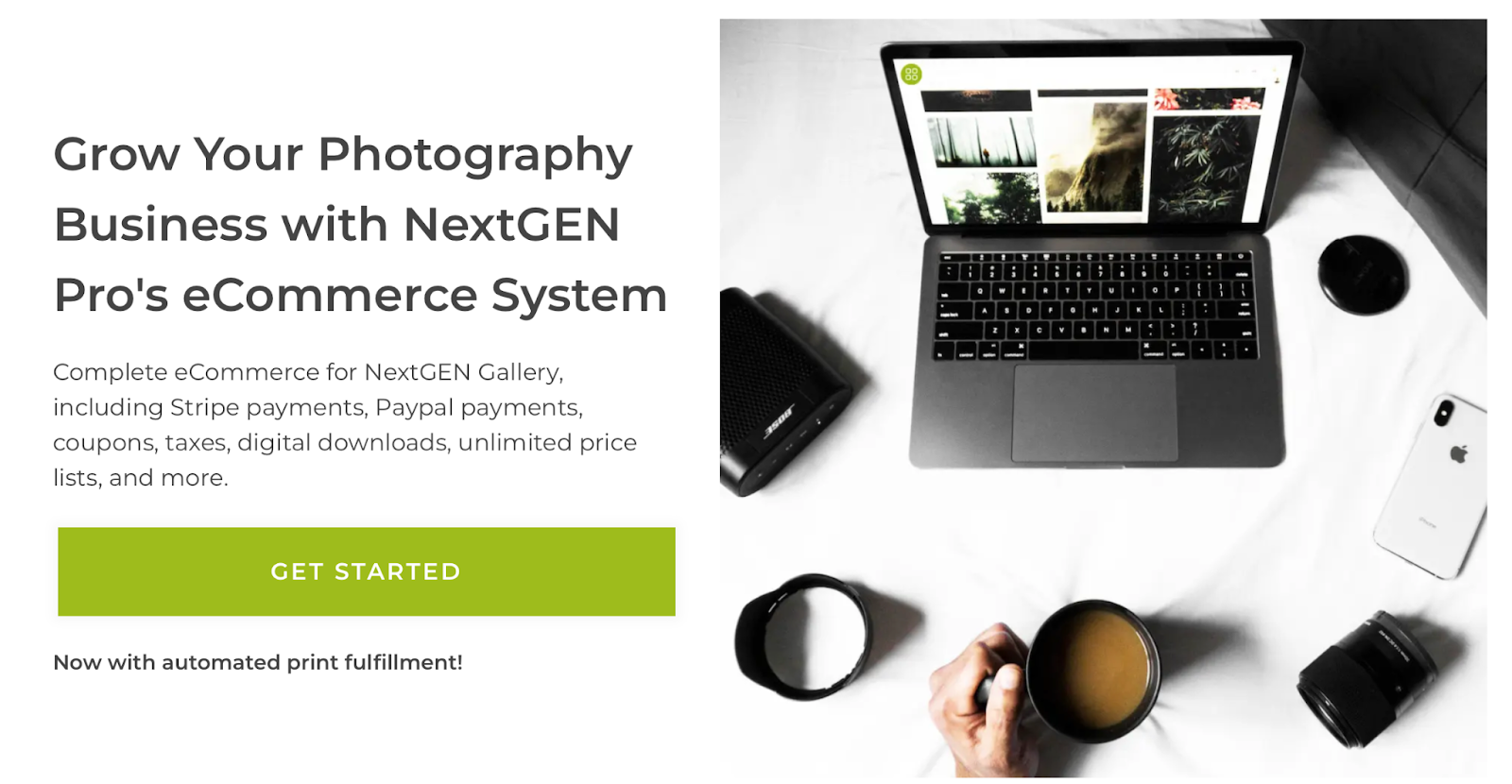
A signup form to start a mailing list

Once it’s installed, users will see a shopping cart appear beside each of your images. Then, when a visitor clicks on one of your images, they’re able to view your pricing information. What’s more, with NextGen Gallery, you can create an unlimited number of price lists, customize your gallery, and adjust the way your images display.

20. Flip Your Website

This method is slightly different from other options on this list. Rather than monetizing your existing website, you can sell your website in exchange for a price.

It works in the same way that you’d flip a house. You create and do up the site to make it more valuable. Then, you sell it to the highest bidder.

However, in order to attract bidders, you’ll need to design an impressive website with quality content. Therefore, this strategy works best if you possess some technical skills since you’re able to do development and design work fairly quickly, without outsourcing the job.

Empire Flippers is a marketplace for businesses, so it’s a great place to find opportunities. It’s also important to note that while you can flip your website, you’re also able to sell business names and domain names separately which can result in higher earnings.

21. Set Up a Directory

Throughout this post, we’ve mentioned directories quite a bit. There are podcast directories, advertising directories, business directories, and more. Typically, they’re used by individuals and companies to connect with others to form mutually beneficial relationships:
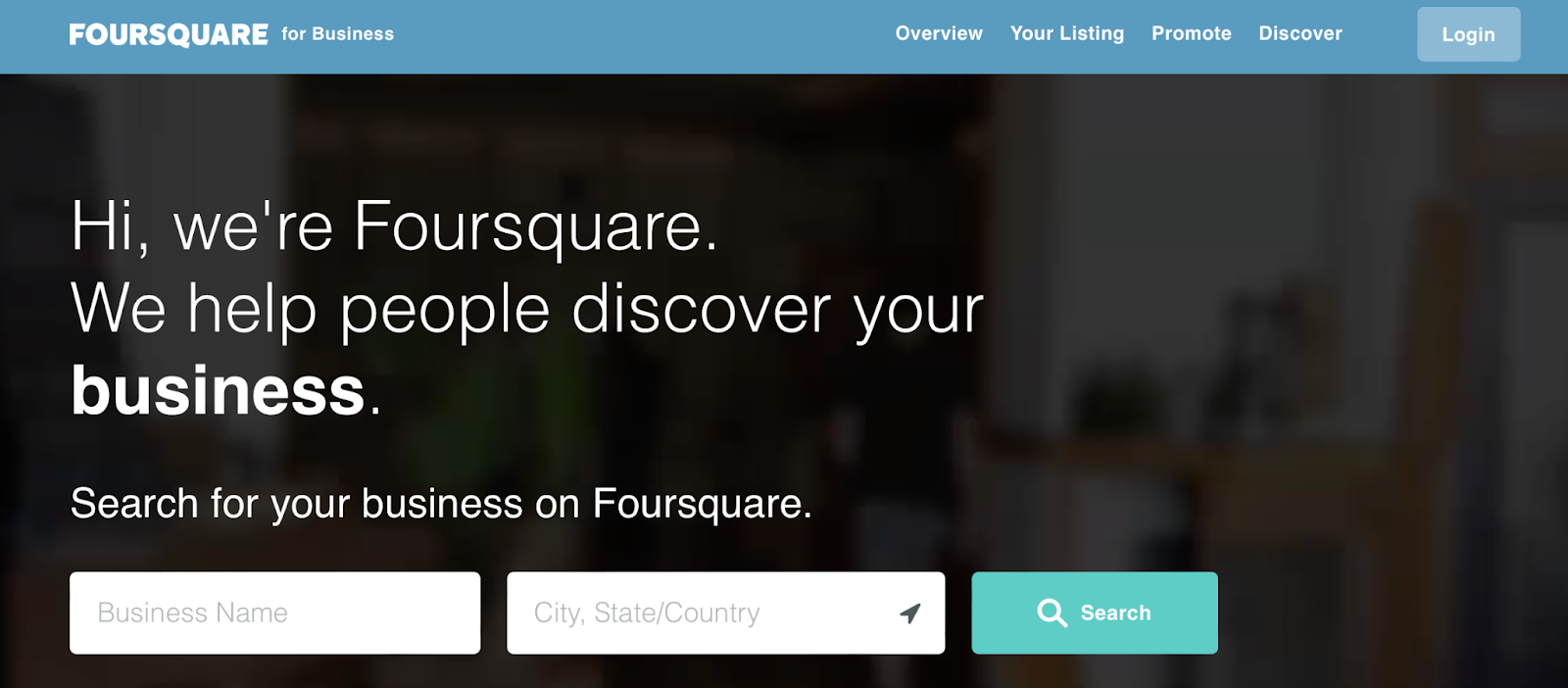
An example of a business directory website

Since one (or both) of these parties pays to access the directory (or pay a commission), this can be another great way to monetize your website. You can charge a monthly or annual listing fee. But, you can also make money in other ways.

For instance, you can give businesses the option to pay more for premium listings. Plus, you can leverage your advertising space, and charge extra for users to make bookings and reservations.

It’s best to stick to a clear, focused niche in order to make your directory stand out. You might choose to create a podcast directory or a job directory. Then, you can determine your price based on your website’s traffic level.

Turn Your Website Into Cash Flow Today

Quitting your day job might seem like a pipe dream. However, there are ways to monetize your website so that it can become a reality. Or, at the very least, generate a significant bonus income.

For example, when you already run a high-traffic site, you can get started with affiliate marketing. Or, if your website has a loyal following, you might create a membership site or set up a swag shop. Plus, you can find even simpler methods such as monetizing your Media Gallery, selling digital products, or accepting donations.

If affiliate marketing sounds appealing, check out our DreamHost affiliate program. This is one of the quickest ways to start making money from your site. With DreamHost, you can earn up to $200 per referral!

Become a DreamHost Affiliate

Join the DreamHost Affiliate Program to get cash quickly. Earn up to $200 per referral!

social media marketing

The post Hustler’s Guide to Monetizing Your Website (21 Ideas) appeared first on Website Guides, Tips & Knowledge.


source https://www.dreamhost.com/blog/monetize-your-website/

Tuesday, 7 March 2023

Everything You Need to Know About Hosting and Choosing the Right Web Host

What Is Web Hosting?

Every website is stored on a server. Your site’s server makes it available to users on the web. In turn, web hosting is the service of storing a website — or ‘hosting’ it — on a server.

Your ‘web host’ or ‘hosting provider’ is the company that owns and maintains the server that hosts your site. In addition, these companies often provide helpful resources, support, and services like domain registration and custom email addresses.

Selecting the right web hosting services for your site is an important process. The server impacts your site’s security, availability, and performance. Choosing the wrong plan or web host could affect your site’s ability to expand and attract repeat visitors.

Similarly, your hosting company plays a crucial role in keeping your site safe and making sure it stays up and running. If your host offers poor customer support or doesn’t maintain its servers well, your website will likely suffer for it.

Ideally, you’ll want to use a hosting plan that fits your specific needs and your budget. Of course, you can opt for the most expensive plan you can find, but it’s usually a waste of money unless you have a website that gets massive amounts of traffic.

If you’ve never had to sign up for hosting before, the sheer range of services available can be intimidating. That’s why we’re going to introduce you to each type of hosting plan. We’ll talk about which might be the best fit for your site and how much you can expect to spend on it.

7 Different Types of Web Hosting

The differences between hosting plans go well beyond costs and hardware. With that in mind, let’s look at the seven most common types of web hosting you’ll run across so that you’re well-equipped to make an informed decision.

1. Shared Hosting

Shared hosting plans are the most common for website owners. On this type of plan, a single server is shared among multiple users. That means a single computer (a shared server) will host several (or even hundreds of) websites.

DreamHost Glossary

What is Shared Hosting?

Shared hosting is a web hosting plan in which multiple websites share the same server. This is typically the most affordable hosting plan, as the expense of server maintenance is distributed among multiple consumers.

Read More

Although you’ll share resources with other users, you don’t have access to their files, private information, or any other data. The upside to shared plans is that they tend to be cheap since hosting providers can divide server upkeep costs among multiple users.

Shared hosting doesn’t always have the best reputation, but the quality of the service you get will depend largely on your hosting provider. While some shared hosting plans are very limiting, others can handle websites that get decent amounts of traffic.

Shared plans are probably your best options if you’re in the market for starter web hosting. The world of web hosting is so competitive nowadays that it’s not uncommon to find shared plans for below $5 per month.

Remember that many web hosts want to lock you into multi-year contracts to get the best rates. That’s not necessarily a bad thing if you’re sure about the web host you’re using, but it can be intimidating if this is your first time signing up for a plan.

Pros of shared hosting:

  • It’s easy to find plans for less than $5 per month.
  • Depending on your service provider, you can get excellent performance on medium or small business websites.

Cons of shared hosting:

  • Shared plans often don’t perform well for websites with heavy traffic.
  • For the best rates, you’ll often have to sign up for a multi-year contract.

Who is shared hosting best for:

As a beginner, shared hosting should be your go-to option. With the right provider, you’ll have all the tools you need to get your project going and plenty of room to scale up over time.

2. Virtual Private Server (VPS) Hosting

Virtual Private Servers (VPSs) are a step above shared plans when it comes to performance and customizability. On a VPS plan, a single physical server will contain multiple virtually-partitioned sections. Each container, or VPS, acts as a complete system devoted just to your site.

DreamHost Glossary

What is VPS Hosting?

A Virtual Private Server (VPS) is a virtual platform that stores data. Many web hosts offer VPS hosting plans, which give site owners a dedicated, private space on a shared server.

Read More

In practical terms, VPSs provide a higher degree of isolation between users, although you still share the same physical server. Nevertheless, this setup can enhance performance and security. Plus, depending on your hosting provider, you might be able to configure your VPS from scratch and get precisely the resources you need.

To give you an idea of what you’re looking for, a single-core VPS with 1 GB of RAM is enough to run a simple WordPress website. However, figuring out the precise amount of resources you need for each new project can be tricky. This might make a VPS a less attractive option if you’re new to web hosting.

With VPS hosting, you may not get access to a control panel out of the box, which means you might have to use the command line to configure your server and set up a website. If you don’t have experience, it can be a complicated process.

Since VPSs are all across the board when it comes to resources, prices can vary. Just as with shared hosting, it’s not uncommon to find VPSs starting at around $5 per month. However, if you plan on using a VPS, we recommend budgeting at least $10-20 per month for hosting.

Pros of VPS hosting:

  • You get fully dedicated resources for your website.
  • Depending on your host, you might be able to configure your VPS to your specific needs.

Cons of VPS hosting:

  • Calculating the amount of resources you need can be challenging.
  • Configuring a VPS often requires some technical know-how.

Who VPS hosting is best for:

If you want full control over your server without spending hundreds of dollars on a dedicated plan, consider using a VPS. The high level of customizability also makes it an attractive option.

Get Content Delivered Straight to Your Inbox

Subscribe to our blog and receive great content just like this delivered straight to your inbox.

3. Cloud Hosting

Cloud hosting is where things begin to get a little trickier. When people talk about the “cloud,” they’re usually referring to distributed VPSs. Instead of having a virtual server stored on one computer, it’s hosted on a whole network of them.

DreamHost Glossary

What is Cloud Hosting?

Traditional web hosting houses a website on a physical server. On the other hand, “cloud hosting” uses multiple virtual (remote) servers for the same task.

Read More

That network of computers is what we call the “cloud.” The advantage of this setup is that, with a network, you can easily scale your server’s resources as needed. Plus, thanks to the system’s built-in redundancy, you won’t have to worry about downtime and data loss.

This all sounds excellent on paper, but cloud hosting is not always newbie-friendly. For example, many cloud hosting providers charge by the hour. You “spin up” an instance (essentially a VPS), configure it to your needs, and start accumulating charges.

Cloud hosting can be either very cheap or incredibly expensive, depending on your server configuration. It’s the type of setup that some massive internet-based companies, such as Netflix, use to power their operations. However, you probably don’t need anything like Netflix’s hosting configuration for a regular website.

Pros of cloud hosting:

  • It offers a high degree of scalability.
  • You can customize your server as you see fit.

Cons of cloud hosting:

  • The payment structures for cloud hosting can be complicated.
  • It’s not well suited for users who don’t have experience with configuring a server.

Who cloud hosting is best for:

If you like tinkering with your server’s configuration and want a high degree of scalability, cloud hosting is worth looking into.

4. Dedicated Hosting

So far, we’ve only discussed hosting plans where you share servers with other users. Servers are expensive, so if you desire a private one all to yourself, you’ll pay a premium for it.

With a dedicated server, you’ll get exclusive access to a single server (or sometimes more than one). That means you’ll have complete control over its configuration, and the web hosting provider simply houses it for you.

DreamHost Glossary

What is Dedicated Hosting?

Dedicated hosting uses a server dedicated to a single customer. The client has complete control over the server, and they are responsible for all of its maintenance and administration.

Read More

Dedicated servers are basically the top-of-the-line options for web hosting. At this level, you can expect to pay at least $100 per month, and prices only go up from there.

If you’re launching a new website as a hobby, a dedicated server would be overkill. This hosting solution only makes sense for businesses and established websites that need access to powerful hardware.

Pros of dedicated hosting:

  • You get a whole server to yourself.
  • In most situations, you can configure your server to your liking.
  • DreamHost users get uncapped bandwidth.

Cons of dedicated hosting:

  • It’s an expensive option.

Who dedicated hosting is best for:

Dedicated hosting is the go-to choice for websites that require the very best when it comes to performance and have the budget for it.

5. Managed WordPress Hosting

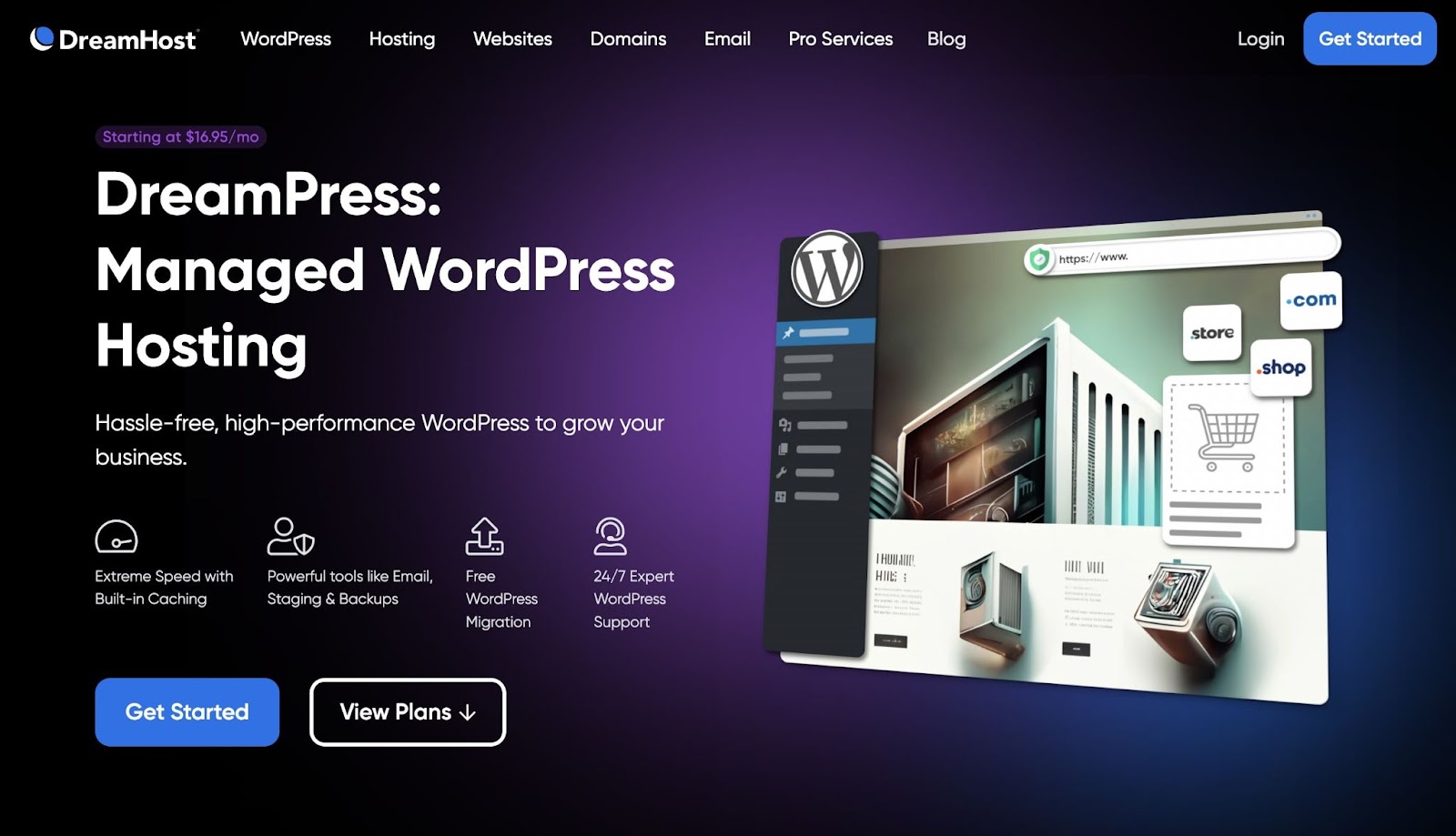
Managed WordPress hosting is a little different from the other options here. It’s not a type of plan, but rather a kind of service. With managed WordPress hosting, your provider takes care of a lot of the day-to-day maintenance tasks that would otherwise fall on your shoulders. Those tasks include backups, security monitoring, software updates, and more.

Managed WordPress hosting

It’s important to understand that managed hosting plans can come in every flavor; There are managed shared plans, managed VPSs, and even managed dedicated servers. In all of these cases, you pay a little extra so you don’t need to worry about the nuts and bolts of hosting.

You don’t need a WordPress-specific plan to set up a website with the platform. However, these plans tend to be optimized to provide better performance and make your life much simpler. So if you plan on using WordPress, this hosting can be a smart pick.

On top of WordPress-specific plans, there are also entire hosting platforms that only work with this CMS. Often, that means they have WordPress experts on staff as a part of their support teams, which can be a nice perk. Best of all, WordPress hosting plans are typically priced about the same as their more generic counterparts.

Pros of managed WordPress hosting:

  • It often comes with some level of managed service.
  • You get access to WordPress-specific perks, such as free plugin licenses and one-click installations.

Cons of managed WordPress hosting:

  • It’s only valuable for WordPress users and limits your ability to use other platforms.

Who managed WordPress hosting is best for:

You can set up WordPress on any type of web hosting plan. However, if you want a plan tailored to the CMS from the ground up, WordPress hosting can be an excellent investment.

6. Reseller Hosting

If you run a business that revolves around building websites, such as a development or design agency, you’ll probably have to deal with hosting. A lot of clients don’t quite understand how hosting works and could use help getting everything set up and working.

Reseller hosting offers a solution for those situations. In a nutshell, you get access to an account that lets you provide hosting to your clients. Those clients pay you directly, and you’re responsible for managing their accounts.

DreamHost Glossary

What is Reseller Hosting?

Reseller hosting is when a web developer purchases hosting from a web host and then resells it to their own clients. The developer acts as a middleman between the host and their clients, often providing support and billing services.

Read More

Most web hosts that offer reseller accounts enable you to charge whatever you wish for hosting. This means that if you run a web development agency, you can transform hosting into a source of recurring revenue.

However, reselling hosting is not for individual projects or regular users. If all you’re looking for is a plan enabling you to set up a website of your own, then you’ll want to consider another option on this list.

Pros of reseller hosting:

  • You can set up hosting accounts for third-party users and charge them directly.
  • You’re in complete control of the hosting experience.

Cons of reseller hosting:

  • You’re usually responsible for billing clients, which comes with a lot of responsibility.
  • In most cases, you’ll have to take care of maintenance and support tasks independently.

Who reseller hosting is best for:

If you run a business that needs to help web hosting for clients, it can make sense to offer that service in-house. With reseller hosting, you can bill clients directly for hosting and take care of maintenance for them while having another company provide the infrastructure.

How to Choose a Web Host (15-Point Checklist)

There are many aspects to consider when choosing a hosting provider, and the process can seem overwhelming at first. That’s why we’ve listed the 15 most important questions to ask when making your choice!

1. How Reliable Are the Host’s Servers?

Performance and uptime can make or break your website. Your website’s performance influences Search Engine Optimization (SEO), bounce and conversion rates, and how trustworthy your site appears to visitors. We’re not exaggerating when we say that your server’s reliability directly impacts your website’s bottom line.

Any provider you consider should have an uptime guarantee of at least 99%. This ensures that your website is rarely unavailable for your visitors. At DreamHost, our uptime guarantee is 100%, per our Terms of Service.

It’s also wise to see what performance-related features a host offers. These can include built-in caching, access to a Content Delivery Service (CDN), and more.

Rather than taking claims and reviews at face value, you can test the host’s responsiveness for yourself. For example, if you know a website that’s hosted by the company you’re interested in using, just enter that URL into Google’s PageSpeed Insights. If possible, you may even want to get access to a test account or sign up for a free trial and use it to conduct further testing.

2. Is It Easy to Upgrade Your Plan?

If you’ve created a website with all the elements it needs to succeed, chances are it’s going to grow. With any luck, you’ll see an increase in traffic and conversion rates. This will likely mean you’ll have to upgrade your web hosting plan.

Most new sites start on a shared, low-cost plan. However, as your online presence expands, you’ll need more resources, bandwidth, and disk space to maintain your site for all its users. A host that offers easy upgrades to a Virtual Private Server (VPS), Managed WordPress, or Dedicated Hosting plan can make this process smoother.

If you choose a host that makes it challenging to change your plan, you could find yourself migrating to a new provider just a few months after launching your site. This can ultimately be a waste of time and money.

3. Can You Easily Add a Domain?

As your digital brand grows, you may want to expand your current site or start a new one altogether. Alternatively, perhaps you simply like collecting domain names and getting into website flipping.

Whatever the reason, if you’re going to purchase additional domains, you’ll need a host that makes it simple to acquire and manage them. Choosing a provider that offers unlimited domains ensures that you won’t ever run out of space.

For instance, with DreamHost, you can add as many domains and subdomains to your shared, VPS, or dedicated hosting plan.

4. Are There Significant Differences in the Sign-Up and Renewal Costs?

It’s important to choose an affordable host. When you sign up, you don’t want to be roped into a plan that’s more expensive than you can afford. With this in mind, it’s important to note that most hosting companies offer sign-up deals for new customers, but renewals may cost more.

Make sure to look into your potential host’s renewal fees as well as the initial sign-up costs. Some difference between these two is an industry norm, but you’ll want to keep the difference as low as possible and avoid a higher renewal rate.

5. Does the Host Have a Generous Refund Policy?

In an ideal world, you’ll choose the perfect host the first time around, your website will flourish, and you’ll never need to cancel your service. Unfortunately, things don’t always go according to plan.

If you need to cancel your hosting for any reason, you’ll want to avoid excessive fees. It’s also wise to choose a host that offers a free trial period, so if things don’t work out in the first few weeks of service, you can cancel without penalty.

6. Is There a One-Click Installer?

As the most popular CMS on the web, WordPress often receives additional support from hosting companies. Managed WordPress plans and WordPress-related features can be especially helpful if this is the platform you’ll use.

A particularly useful feature that some hosts offer is a one-click WordPress installer. It allows you to sit back, relax, and let your host install WordPress for you.

7. Will Your Host Provide Email Addresses for Your Domain?

You might be used to having your personal email handled through Google or another service — That’s one reason why email is often an afterthought for your business and website.

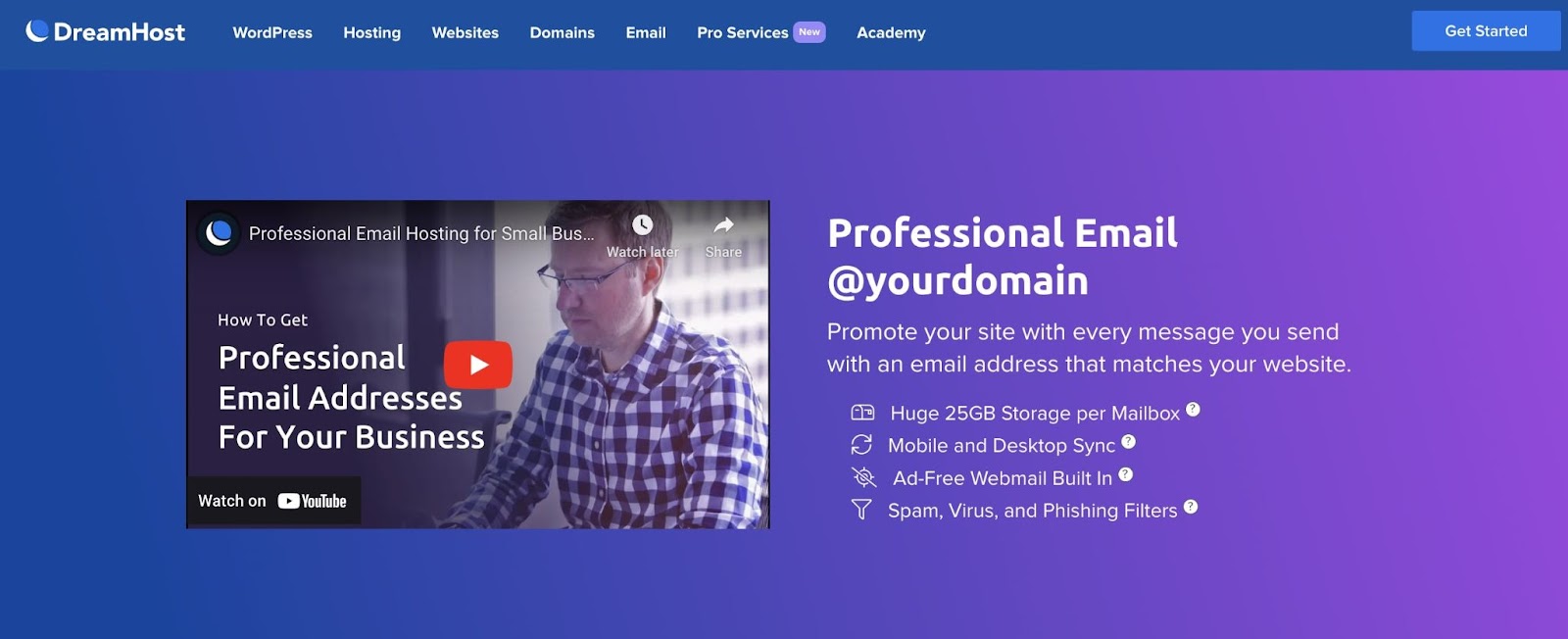
If you want your email to match your website’s name, you will need a host for that service too. Sometimes an email address will be included in your hosting plan, with limited usage. However, if you plan on using email marketing to reach your audience, exploring your email hosting options is highly recommended:

Email hosting

Alt text: DreamHost email hosting

There are pros and cons to combining your email host and your web host. Unless your host has provisions for protecting one or the other, you could face an “if one goes out, they all go out” scenario. This means that if your web host crashes, it will take your email with it as well.

On the other hand, keeping both services in the same place can simplify your life, and a reliable host should be able to avoid those kinds of problems. Fortunately, DreamHost offers several options for email hosting. Whether you are looking for a standalone email host, or a web hosting plan that includes secure email, we have you covered.

8. Will You Have Easy SFTP Access?

Secure File Transfer Protocol (SFTP) is a vital tool for website maintenance. At some point, you’ll likely have to use it to resolve an error, customize your site files, and carry out different tasks.

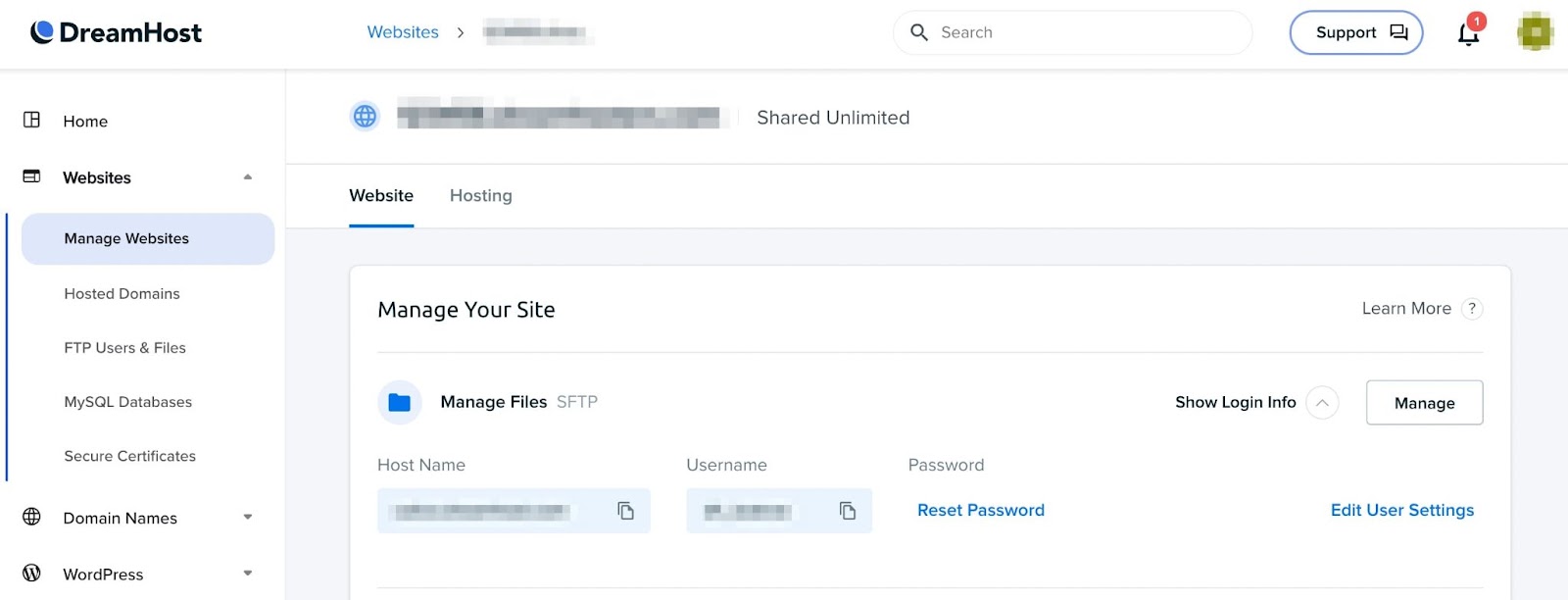
Your host should provide credentials so that you can use an SFTP client, such as FileZilla. This information should be easy to locate so that you can access it anytime:

DreamHost SFTP

Additionally, some hosts will provide their own FTP clients for your use as well. This is a nice perk, and can be an easier and more secure option than third-party clients.

9. How Difficult Is It to Find and Edit .htaccess?

For WordPress users, the .htaccess file is a crucial part of your site. It contains a wealth of configuration information that influences permalink structure, caching, 301 redirects, file accessibility, and more.

You may need to edit .htaccess at some point to resolve an error, tighten security, or carry out other tasks to improve your site. This is not the easiest task, since .htaccess is a hidden file.

Even if you can find the file, editing it via SFTP can be risky — It’s helpful if your web host provides a file manager for editing .htaccess since this can minimize the risks to the rest of your site.

10. What E-Commerce Features Are Included?

All websites have the same basic needs. However, if you’re running an e-commerce site, you’ll need some unique features.

For instance, you’ll probably want more frequent backups and a CDN to reach customers around the world.

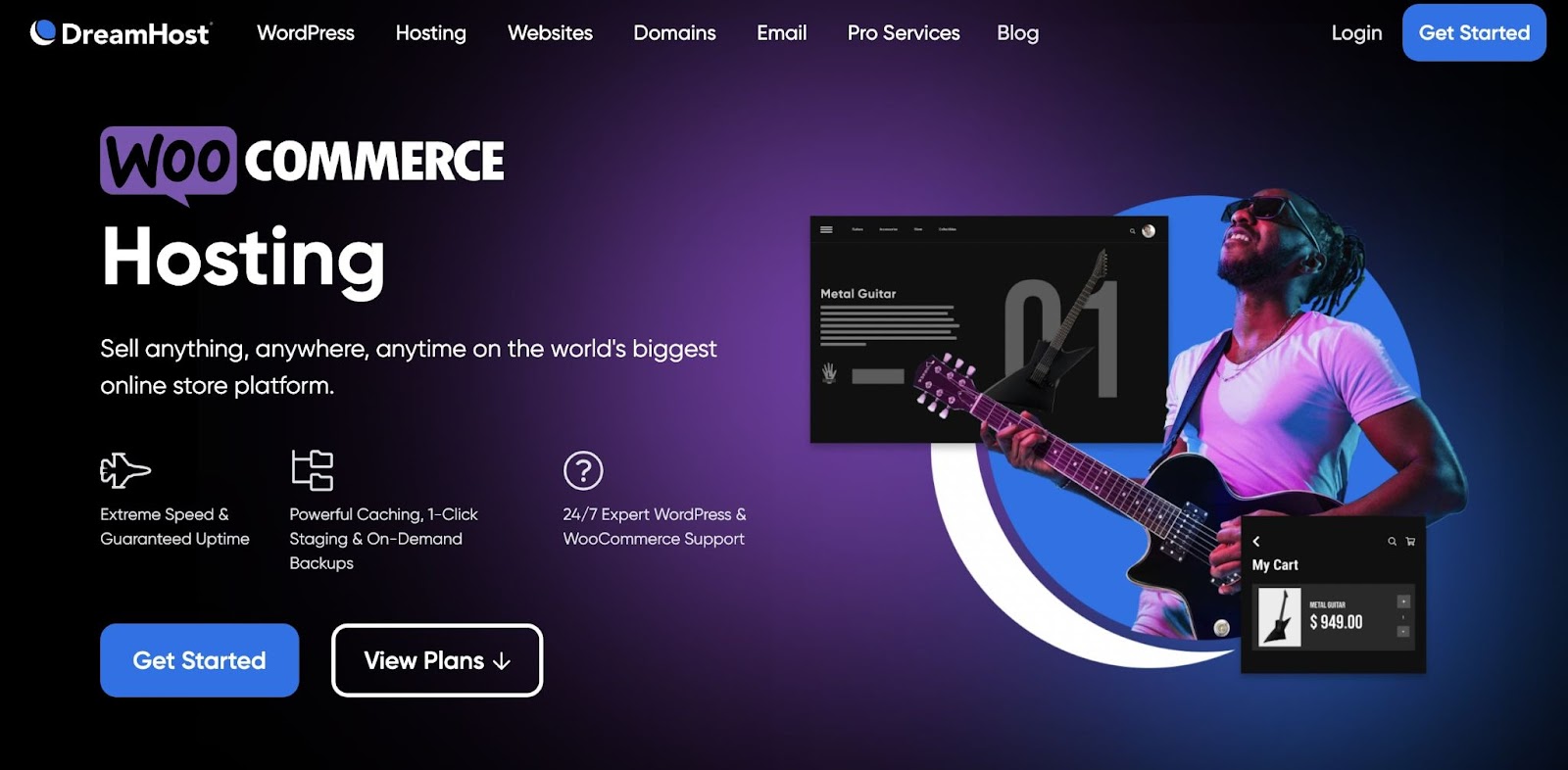
A specialized e-commerce website hosting plan can provide the support your online store needs at an affordable rate. For example, you might want a plan designed specifically for WooCommerce:

WooCommerce hosting

Some plans — including our e-commerce plans — will even pre-install WooCommerce and the Storefront theme for WordPress retailers. With these configurations taken care of, you can focus on growing your business.

11. Can You Easily Navigate and Use the Control Panel?

You’ll be spending a lot of time in your hosting control panel. Being able to navigate around your account easily can make website management much less challenging. Plus, you won’t have to rely on support as much while figuring out tasks such as billing and upgrading.

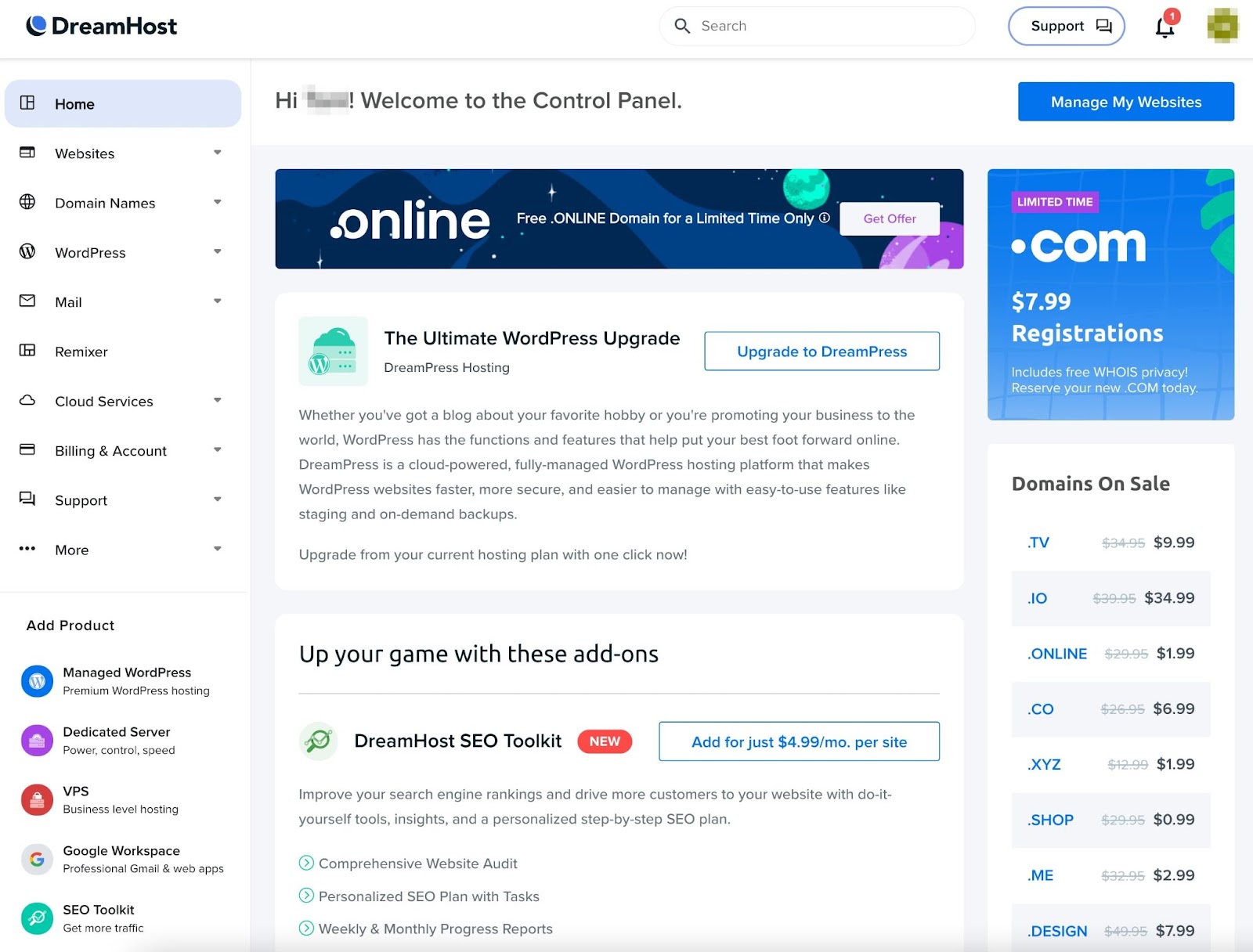
Choosing a host that offers a custom control panel can save you a lot of headaches in the long run. The DreamHost panel is designed to be user-friendly so you can easily find information on your site, contact support, or edit your account information:

web hosting control panel

Since you’ll likely be the primary administrator on your website, you’ll want to find the best option for you. To do this, consider checking out demos or tours of the control panel before you contract a host.

12. Are SSL Certificates Included?

Secure Socket Layer (SSL) certificates are vital for keeping your site and users safe. This is particularly true if you deal with sensitive information such as credit card details.

Adding an SSL certificate to your site is usually an additional expense. However, some hosting providers will include one in your plan at no extra cost. Choosing one of these hosts saves you extra money while helping to keep your site secure.

13. How Often Will You Have to Renew Your Subscription?

Many hosts require a monthly subscription from their customers. If the fees are low enough, you might not mind having to pay monthly. However, this option isn’t always the most cost-effective.

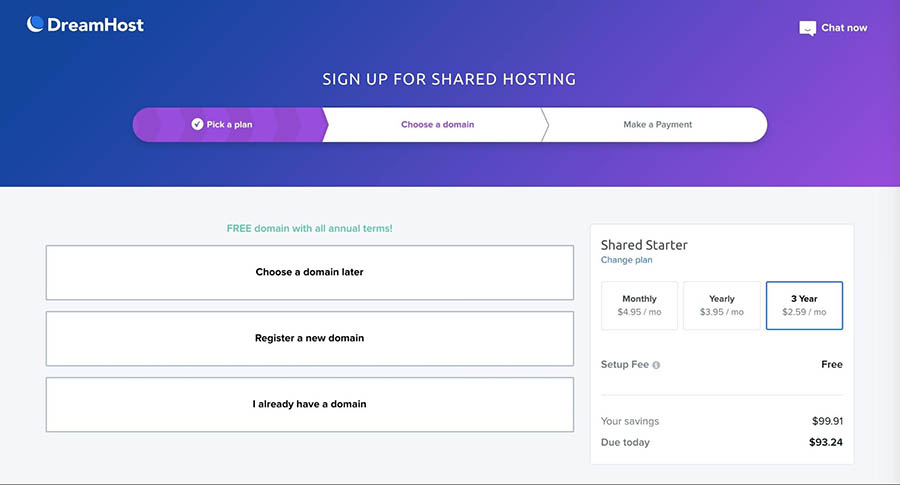
Other hosts will offer one or even three-year plans. By paying for a longer term upfront, you can often save some money down the line. When comparing prices between hosts, make sure to consider this:

DreamHost's renewal term options.

Don’t forget that you’ll have to renew your domain name as well. This is usually an annual occurrence, although you can find options for two- and three-year registrations here at DreamHost. You might also sign up for an auto-renewal program so you won’t forget to renew your domain.

14. Does the Web Host Offer Easy Site Backups?

We all like to think the worst will never happen to us, but it’s best to be prepared. Accidents and attacks happen, and if your site has been compromised, you’ll want a way to restore it.

Backups ensure that you have a way to bring your site back if it’s lost. While many methods are available for backing up a website, one of the easiest is to do it through your web host. It’s even more convenient if your host offers automated daily backups for your site and one-click on-demand backups.

15. Can You Quickly Access Support 24/7?

Your relationship with your web host will hopefully be a long one. Reliable customer support is vital to a mutually beneficial relationship. Ensure your host has multiple contact methods and a 24/7 support team can guarantee that someone will be available whenever you need help.

Additionally, specific support for WordPress, e-commerce, or other niches can come in handy. Choosing a host with a knowledgeable team will ensure that your site has the best support possible.

For example, if you opt for DreamPress, our WordPress-specific managed hosting, you’ll get priority access to our elite squad of in-house WordPress experts.

When Should You Upgrade Your Hosting Plan?

If you already have a web host, you may wonder if it’s time to upgrade your plan. Based on the pros and cons we explained in the previous section, you may already be leaning one way or the other.

However, here are some of the signs you might need to upgrade:

Your site’s performance is suffering.

Speed and performance play a huge role in search result rankings and user experience. Most people expect any site they visit to load in two seconds or less — If yours is slower than that, you may need a hosting plan with more resources.

You can test your site’s performance easily with Pingdom, GTmetrix, or WebPagetest. You’ll also want to make sure your website is optimized for speed.

Your site is experiencing too much downtime.

The importance of uptime is clear — if people can’t visit your site, there’s a good chance they won’t try again. Believe it or not, expecting about 99 percent uptime on your site is completely reasonable. If that’s not what you’re seeing, you may be getting more traffic or using more resources than your current hosting plan can handle.

You’re concerned about security.

Shared hosting is fairly secure as long as you’re using a quality hosting company. Regardless of the plan, you should always take steps to secure your site. That being said, as your site grows, you may find the advanced security features offered by non-shared hosting plans can help you sleep a little bit easier at night.

Your current plan doesn’t provide enough space or resources.

As you add more content, attract more traffic, and generate more user activity, your site will take up additional space and require more server resources.

If even one of the above scenarios applies to you, it’s worth looking into other hosting options. A simple upgrade to a larger, more comprehensive plan might be all you need to eliminate these problems and ensure the best possible experience for your users.

Find the Right Web Hosting Service

When it comes to choosing a web host, it can be easy to get overwhelmed. There are many factors to consider, and your decision could ultimately determine your website’s success or failure.

However, if you go into your web hosting search with your needs clearly outlined, you’ll eventually find the best provider for you. Asking careful questions about the quality of the host’s services and equipment, the additional features it offers, and its pricing will steer you in the right direction.

Are you interested in reliable hosting for your website? DreamHost plans are affordable solutions that include performance and security management features. Check out our hosting packages today!

Power Your Website with DreamHost

We make sure your website is fast, secure & always up - so your visitors & search engines trust you. Guaranteed.

shared hosting

The post Everything You Need to Know About Hosting and Choosing the Right Web Host appeared first on Website Guides, Tips & Knowledge.


source https://www.dreamhost.com/blog/choosing-the-right-web-host/

Thursday, 2 March 2023

Small Business Owner’s Guide to Converting More Website Visitors (15 Steps to Success)

No matter how big or small, every modern business needs a website – that includes yours. You don’t need a pretty site that doesn’t actually attract people or help convert them into customers. A small business website that’s only visually pleasing can be fun, but it’s a huge missed opportunity.

A great website should help you elevate your business to the next level. You can use it to increase sales, build brand awareness, market to your core audience, and position yourself as an expert. If you know what you’re doing, you can achieve all of that with a single website!

In this article, we’ll go over 12 ways to help your business website convert more visitors. We’ll show you examples of these methods in action and discuss why they’re effective. Let’s get to it!

1. Make Your Website Responsive

We say a website is ‘responsive’ when it works well on mobile devices. This means the website displays in a way that is easy to navigate on smaller screens, and none of its core elements are difficult to interact with.

DreamHost Glossary

Responsive Design

Responsive design enables a website to adapt to the screen size of the device it is being viewed on. The website will therefore look differently on different devices.

Read More

Designing responsive websites is essential because most of your visitors are probably using mobile devices the majority of the time. We like to think that people will see our gorgeous web designs on big monitors, but the fact is, a lot of people use their mobile devices more than desktops.

Therefore, if your website isn’t responsive, you risk alienating a significant portion of your audience. Luckily, making a website responsive doesn’t require a lot of technical know-how. If you use software such as WordPress, you have access to themes that are responsive out of the box.

Here’s an example of a WordPress website using one of the Content Management System’s (CMS) latest official themes, Twenty-Twenty Three. This theme is mobile-friendly by default, so there’s no excuse for why your site shouldn’t look perfect on most mobile devices:

Twenty-twenty-three

When looking for a WordPress theme, check out its demo or previews to see how it looks on a mobile device. If your current website doesn’t look that good on mobile, consider changing themes to one that is more responsive.

2. Consider Readability

One aspect of website design that often gets overlooked is readability. That is to say, how easy it is to read your site’s text. Most websites rely primarily on text to convey information, so readability is essential.

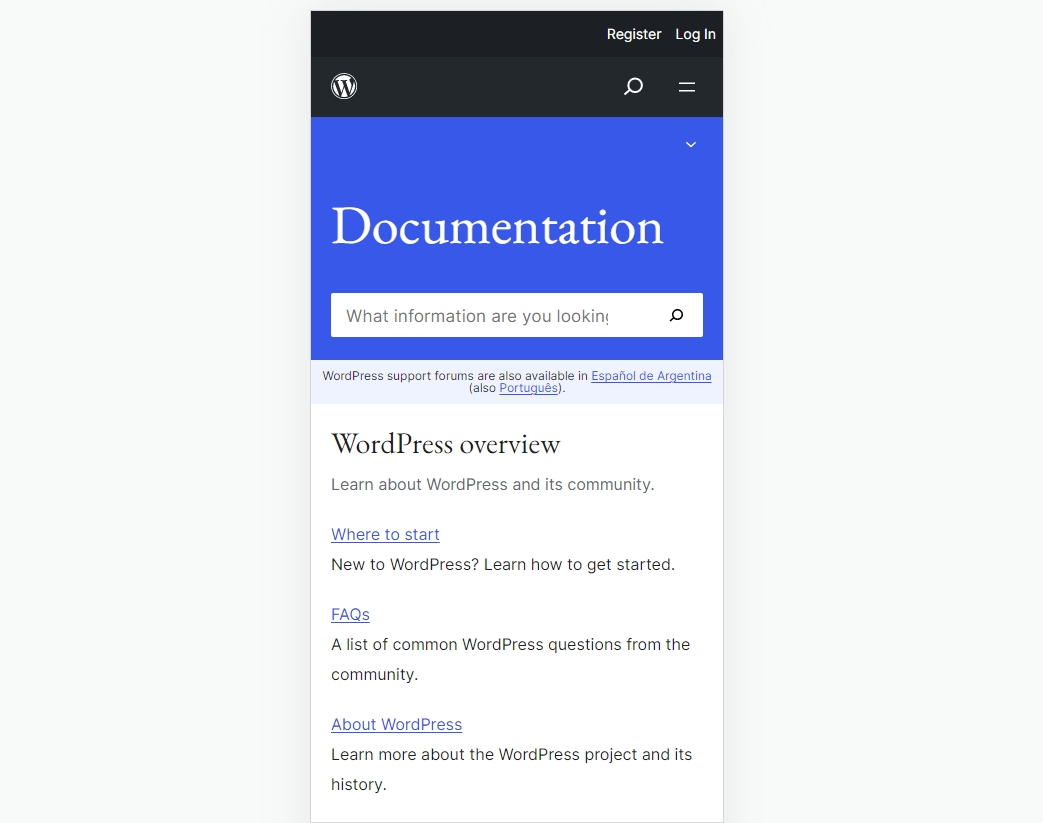
For example, if you make your fonts too small, they might be impossible to read on a mobile device unless you zoom in. Here’s a quick example of how your website’s text should look on mobile:

The WordPress.org documentation page

The same applies to larger screens. Make the text too small, and users will have a hard time deciphering it. On the other hand, make the font too big or use funky fonts, and the text will distract too much from the other elements on your website.

There’s no hard-and-fast rule for which text sizes to use on a website. It depends on your design, but we recommend experimenting by asking other people if they have a hard time reading the text on your site.

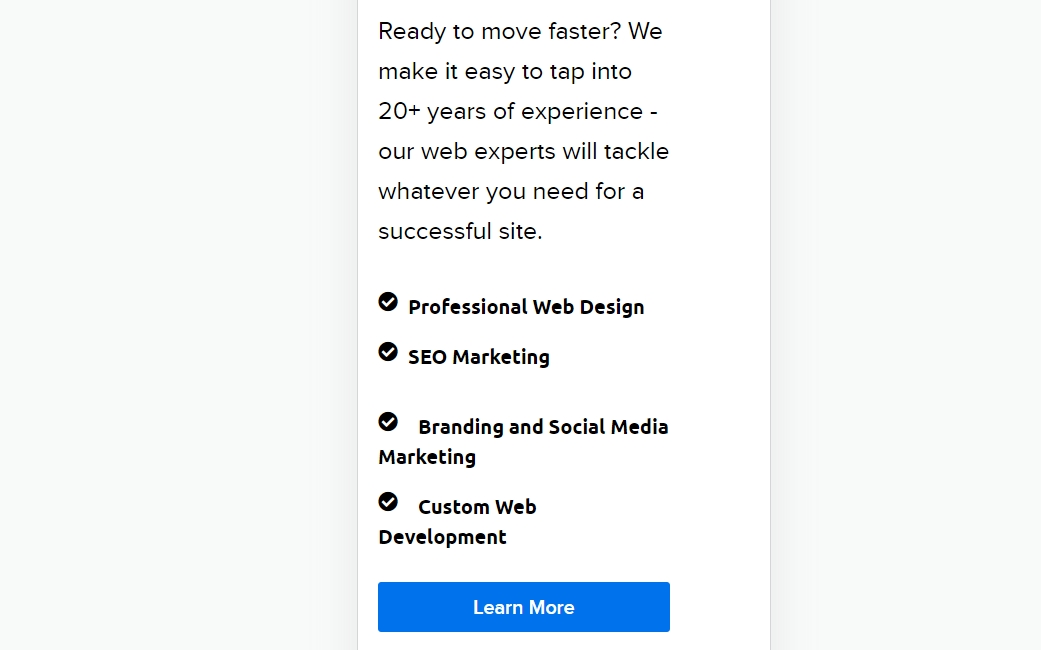
On top of font sizes, you’ll also need to consider colors. Sticking with black is fine in most cases, but depending on the background color, you might need to switch to other text colors from time to time. In these cases, we recommend picking contrasting colors for the text to stand out. This approach is common among Calls to Action (CTAs) because it helps them pop:

A CTA on a mobile device.

Keeping an eye on both of these factors will ensure that visitors don’t have a hard time finding and reading offers on your website, and ultimately, that means you’ll be able to secure more conversions.

Get Content Delivered Straight to Your Inbox

Subscribe to our blog and receive great content just like this delivered straight to your inbox.

3. Improve Your Website’s Navigation

Your website’s content might be amazing, but it can only be as effective as its navigation. If visitors have a hard time finding the content, offers, or products they want on a website, they’re not going to have a good time.

A site’s navigation comes down to two factors. The first is menus, and the second is internal links. Most sites have one main navigation menu at the top of every page and perhaps sidebars or footers containing links to less important pages:

A website’s main navigation menu.

In short, a site’s navigation menu should be simple and include links to the most important pages for you and your users. Less important links can go elsewhere, such as in the content itself.

Every page and post offers multiple opportunities to use content to link to other pages on your site. For example, this post you’re reading now contains several links to related articles from our library. Each of these links will help you learn more about a specific topic within the broader subject.

That simple tactic can help you increase visitors’ time on your site, and the more time they spend on-site, the higher the chances they’ll convert.

4. Put Contact Information Front and Center

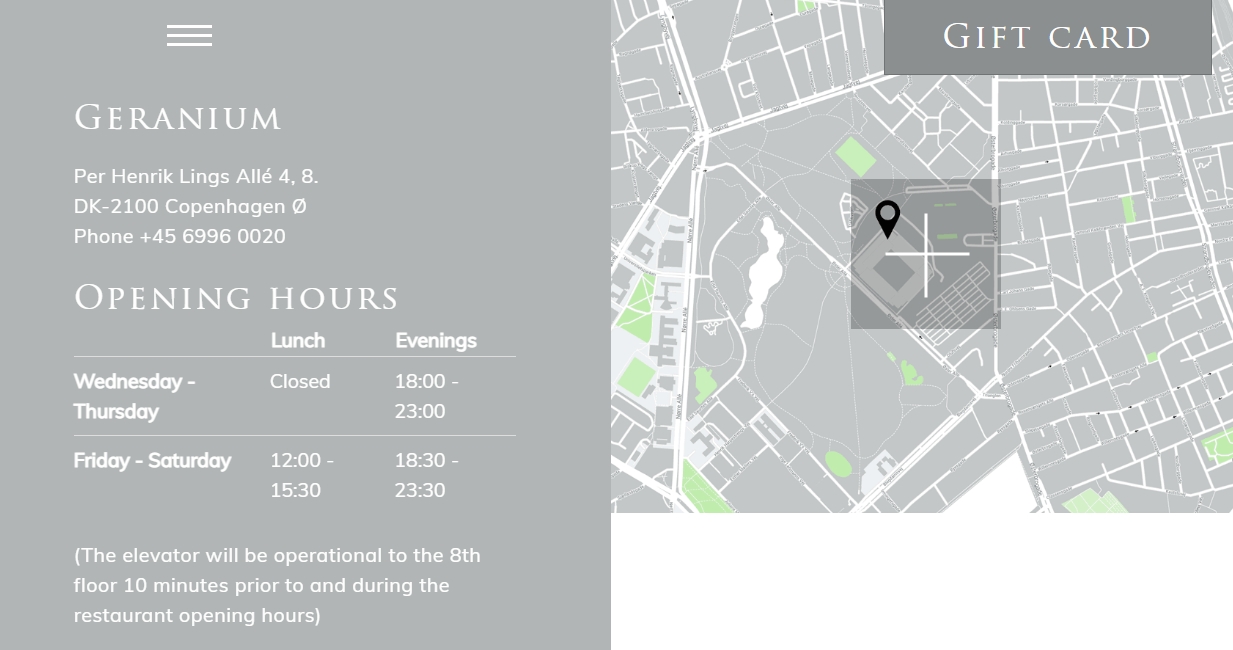
Any business website needs to make it easy for visitors to find contact information, such as phone numbers, email addresses, opening hours, etc. If your site makes this information difficult to find, it’ll frustrate visitors to no end:

A business website with contact information.

This applies even if all that information is available on local business listings such as Google Business Profile or on social media. If your website’s primary goal is to get you more conversions, you’ll want to include as much information as possible to help visitors decide whether to visit your business.

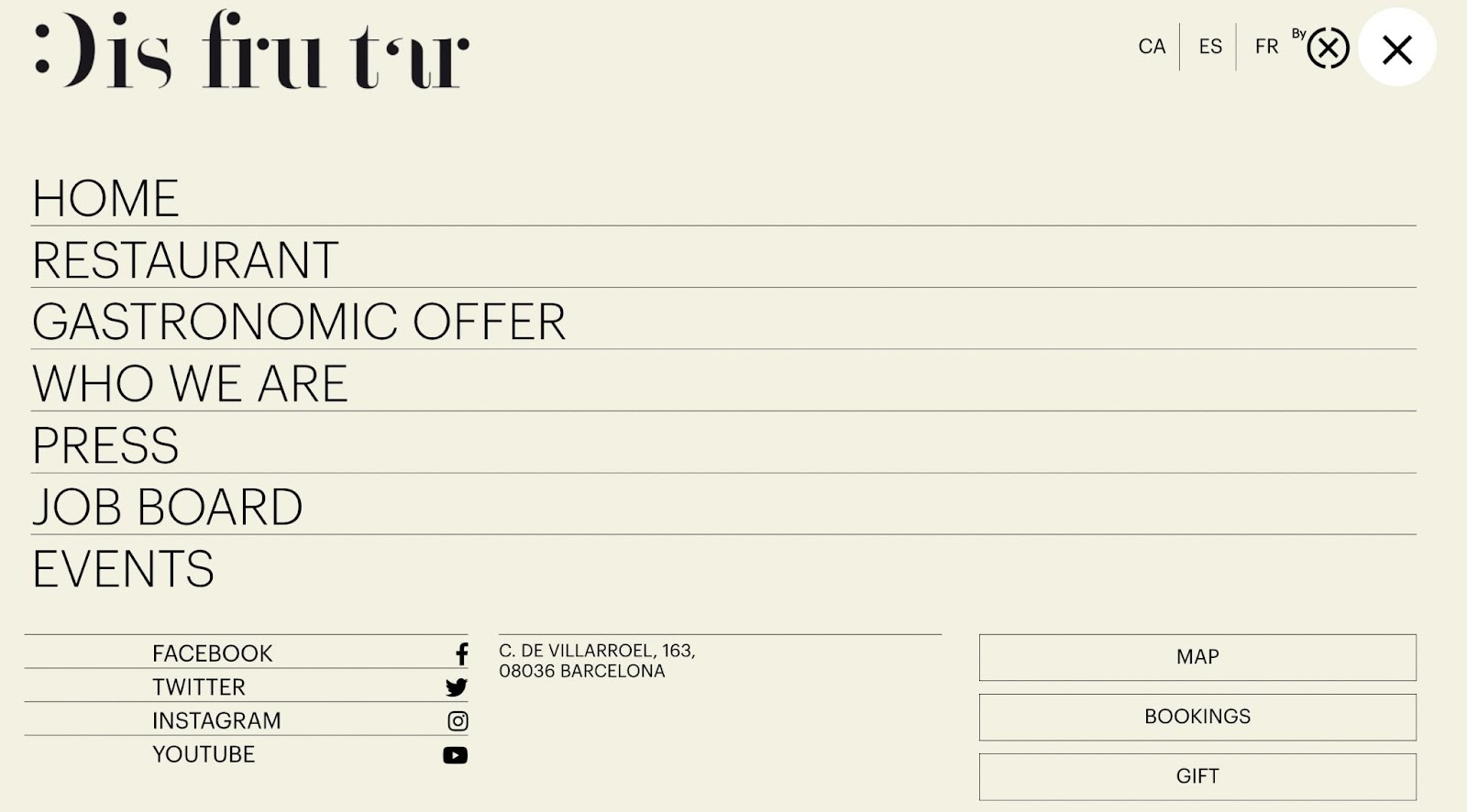
If your business doesn’t have a physical storefront, you’ll still want to make sure to include, at the very least, a contact email and links to your social media profiles:

A navigation menu with links to social media.

The more contact channels you include, the higher the chances that a visitor will decide to reach out, especially if they have a question. Once a user makes that first contact, it becomes much easier to get a conversion.

5. Set Up an Online Contact Form

Aside from publishing contact information on your site, you can go a step further and set up a basic contact form. This form enables users to email you without needing to log into an email client or copy and paste an email address.

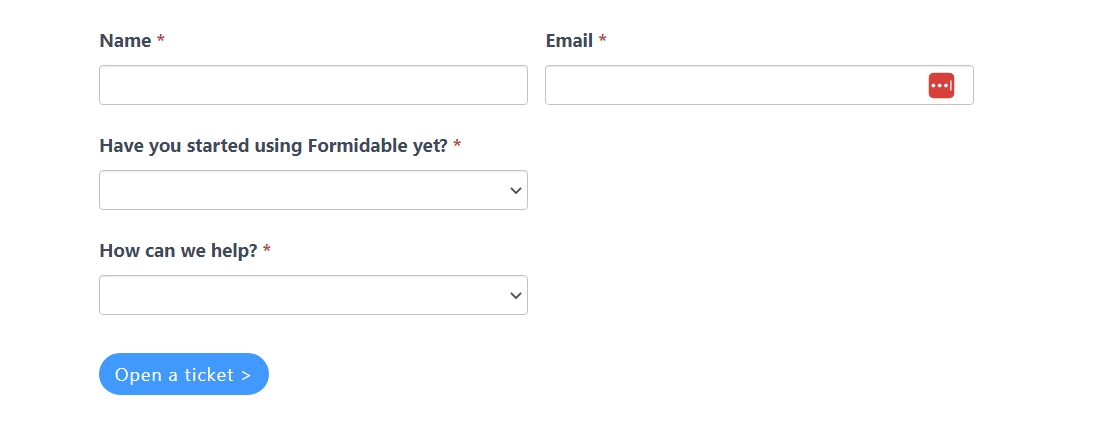
Not only are contact forms easy to use, they’re also incredibly customizable. If there’s any information you want to collect from users, such as how they found out about your site, you can add custom fields to a contact form:

A contact form with custom fields.

There are a lot of tools you can use to set up contact forms. If you use WordPress, you have access to form add-ons that extend the CMS. These will enable you to design any type of form you want, including options with custom fields. Here’s a quick example of a stylish contact form to show you these elements don’t need to look boring:

An example of a contact form.

Contact forms can have their own pages depending on what their primary purpose is — If you want to collect leads for your business, you can include forms at the end of key landing pages. For more general queries, we recommend setting up a Contact Us page.

6. Showcase Positive Reviews

Most modern customers are used to looking for reviews online before committing to a product or a service. A recent study shows that over 99% of users look at some form of review when shopping online, which is a staggering statistic. Even for offline purchases, over 57% of potential customers look at online reviews beforehand!

Examples of positive reviews on a website.

The fact is, if you’re not asking customers for reviews and showcasing them, you’re missing out on a significant number of sales. A lot of users might see a lack of reviews as an indicator that your business is new or that it’s untrustworthy.

Naturally, no business gets only perfect reviews, but what you can and should be doing is highlighting the best customer reviews on your website. Those that show your products and services in the best light and provide additional information that new customers might be interested in:

Examples of positive reviews on an online business website.

As for placement, if your website has product or service pages, they should include individual reviews. We also recommend showcasing standout reviews on your site’s main page to help establish trust with new visitors.

7. Keep Your Website Updated

This tip is pretty straightforward. Visitors don’t like outdated websites, so you should update yours constantly. It’s that simple.

The term ‘outdated’ can have a lot of meanings. For example, if you visit a website and it looks like it was designed in the early 2000s, it can scare a lot of users away, even if the design is a deliberate choice.

Likewise, if a visitor opens your blog and sees that you haven’t published any new blog posts in the past few months, they might assume the website has been abandoned. A business with an abandoned website doesn’t seem trustworthy, so those visitors might look at your competitors instead.

Moreover, as time passes, the information on your site might become inaccurate. To avoid these issues, we recommend going through your site periodically to see if any of its elements or pages need a refresh. While at it, make sure to publish new content often, so users will know the website remains active.

8. Publish Industry-Related Blog Posts

Building trust with your visitors is critical to converting them into customers. One of the best ways to use a website to build trust is by publishing content that can help those users. Our favorite medium for that kind of content is blogging (which should be evident).

By blogging, we mean publishing in-depth content that answers questions that you might have. The idea is that by empowering your users with knowledge and sharing your expertise, you’ll show them they can trust you enough to do business and buy your products or services.

The DreamHost blog.

To be fair, not every business niche is a good fit for blogging, and you might not have the time to do it consistently. But consider that blogging can also help you when it comes to getting more traffic in the first place.

Writing blog posts that target popular searches for your business niche means you might appear in the search results for those queries. The more searches your content appears in, the more visitors your site can get and the more chances you have of getting conversions.

9. Don’t Use SEO Shortcuts

Talking about how blog content can help you rank on search engines brings us to Search Engine Optimization (SEO). SEO is the collection of practices that website owners use to help their content appear in search engines for targeted queries in the best possible rankings.

The fact is, SEO is hard. Best practices change constantly with search algorithm updates, and what worked a few years ago can get your website buried in the rankings now. In other words, there’s no magic formula when it comes to SEO.

If you try to game the system using ‘black-hat’ SEO techniques such as keyword ‘stuffing,’ buying backlinks, abusing structured data, etc – chances are your website will be penalized for it. You might get a short-term boost in rankings, but you’ll pay for it in the long run.

The only SEO strategy that works for most websites is to learn the fundamentals and practice them over a long period of time. If you publish content that answers users’ questions, is well-structured, and targets popular searches, you will get organic traffic. It might take a while to get as much traffic as you’d like, but that’s normal in today’s internet landscape.

10. Set Up an Email List for Your Customers

If you’re not taking advantage of email lists, you’re missing out on one of the most powerful marketing channels at your disposal. When someone signs up for an email list, they’re basically saying “You’re free to send me marketing emails when you choose to”.

With emails, you don’t need to print flyers or physically mail them. Instead, you just design a campaign and send it. Email marketing platforms even enable you to create emails and schedule them ahead of time, as well as monitor their performance metrics.

All you need to get started is to sign up for an email marketing platform and add a signup form to your website. Signup forms can come in many shapes and sizes, including chat bubbles:

A signup form chat bubble.

The same goes for email signup forms. They can be simple, as in the example above, or they can offer incentives to increase the number of signups. One common tactic businesses use is to offer some type of freebie, such as access to exclusive discounts or even e-books:

An offer to subscribe to a mailing list.

An email list also enables you to collect a list of your ‘core’ audience. These users are much more likely to return to the website and make future purchases as long as they keep opening your emails. The larger your email list, the more people you might convert every time you send a new email.

11. Promote Your Website on Social Media

Social media can be just as important for your business as having a website. Having a social media presence means you engage with followers, post new content often, and send followers to your website.

This way, your audience is constantly reminded that you, well, exist. On top of that, cultivating a consistent online presence can help keep your customers up-to-date on everything from events to promotions.

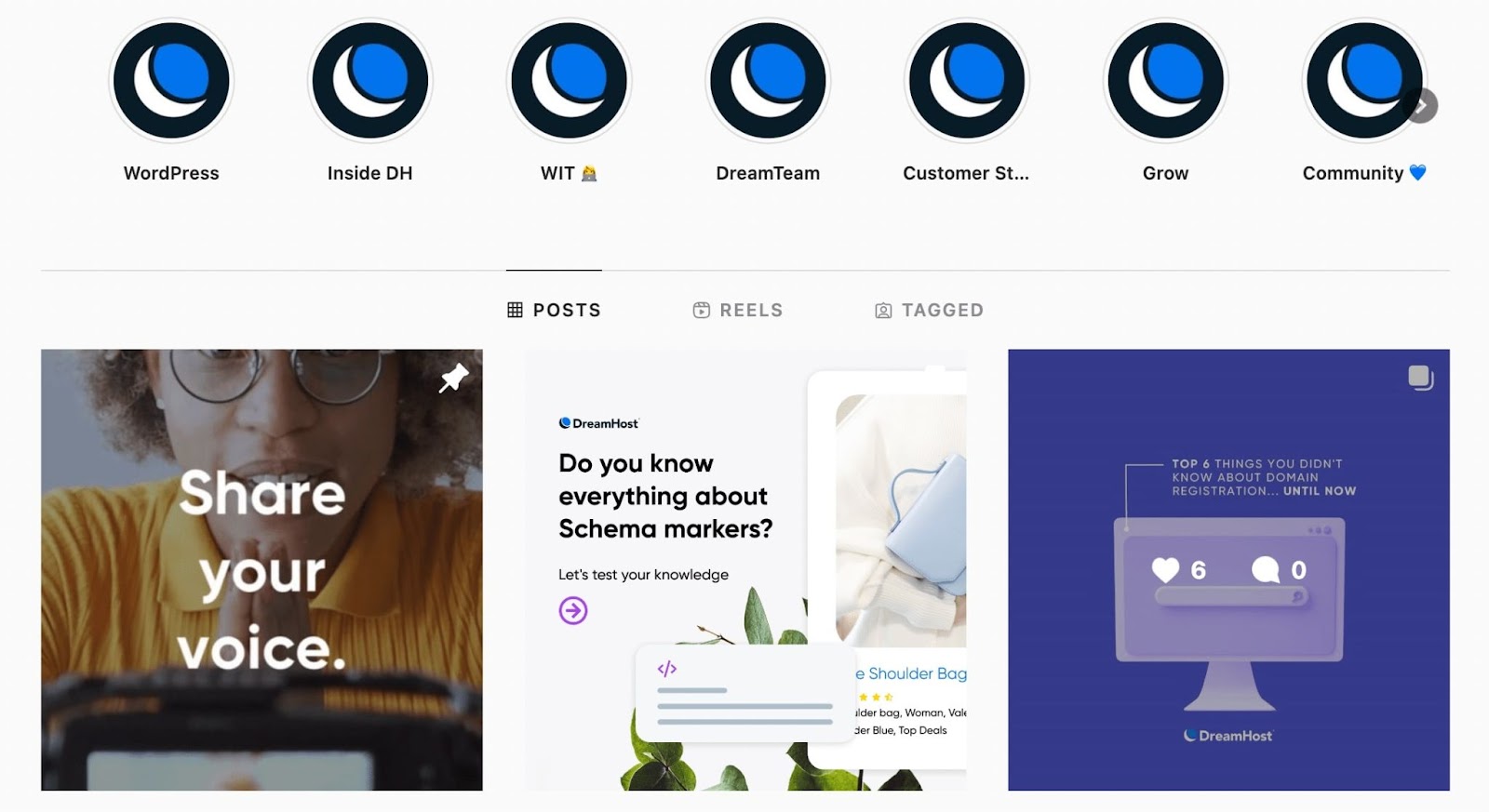
DreamHost’s Instagram profile.

Take restaurants – any restaurant worth its salt will have a website including information about the venue, photos, and maybe even an online menu. However, most users will probably look up the restaurant’s social media accounts first.

In most cases, social media accounts and websites feed off each other. Some users prefer checking a website for offers or news, whereas others like getting updates from social media.

If your business doesn’t have a strong online presence, we recommend focusing on one or two social media platforms at the most to begin with. Consider who your buyer personas are and what social channels they’re most likely to use. Those are the ones you should be focusing on.

12. Optimize Your Website’s Performance

If there’s one thing that users don’t like, it’s a slow-loading website. When your website takes several seconds to load, it’s going to scare a lot of visitors away. That’s hard-earned traffic from SEO, social media, and email marketing that you’re losing because of a lack of technical optimizations.

There are a lot of factors that can slow down a website. For instance, you might be using a poor hosting service or getting too much traffic for your current server’s capacity. Additionally, having too many unoptimized images (or other media files) can significantly impact your site’s speed.

Optimizing a website’s performance means reducing loading times as much as possible. Ideally, most pages should load in under two seconds. For most users, that’s almost instantaneous, which is exactly what they want.

Achieving those speeds isn’t out of the question, especially if you know how to optimize a website and you use a great web hosting service!

Convert More Website Visitors Today

The goal of most websites is to get conversions. For a business website, conversions can be sales, customer signups, getting new leads, etc. And having a website enables you to do all that, but only if it’s optimized. That means creating the best possible user experience and incentivizing visitors to convert.

Many conversions come down to trust while providing offers that give customers real value. If you have a strong brand, but your offers aren’t enticing, you’ll struggle to get conversions and vice versa. Still, you can bolster a strong product with a robust website. You’ll want to try out a few (or all) of the strategies we outlined above, such as improving your site’s navigation, prioritizing SEO, leveraging forms, and more.

If you’re working on a new website and you don’t have the time or experience to take on the task alone, don’t worry. At DreamHost, we offer custom web design services to help you build a website that meets your business needs! This way, you can rest assured knowing that your website will maximize possible conversions at all times.

Let Us Help You Convert More Website Visitors

Our designers will create a gorgeous website from scratch to perfectly match your brand.

custom website design

The post Small Business Owner’s Guide to Converting More Website Visitors (15 Steps to Success) appeared first on Website Guides, Tips & Knowledge.


source https://www.dreamhost.com/blog/small-business-guide-website-conversions/

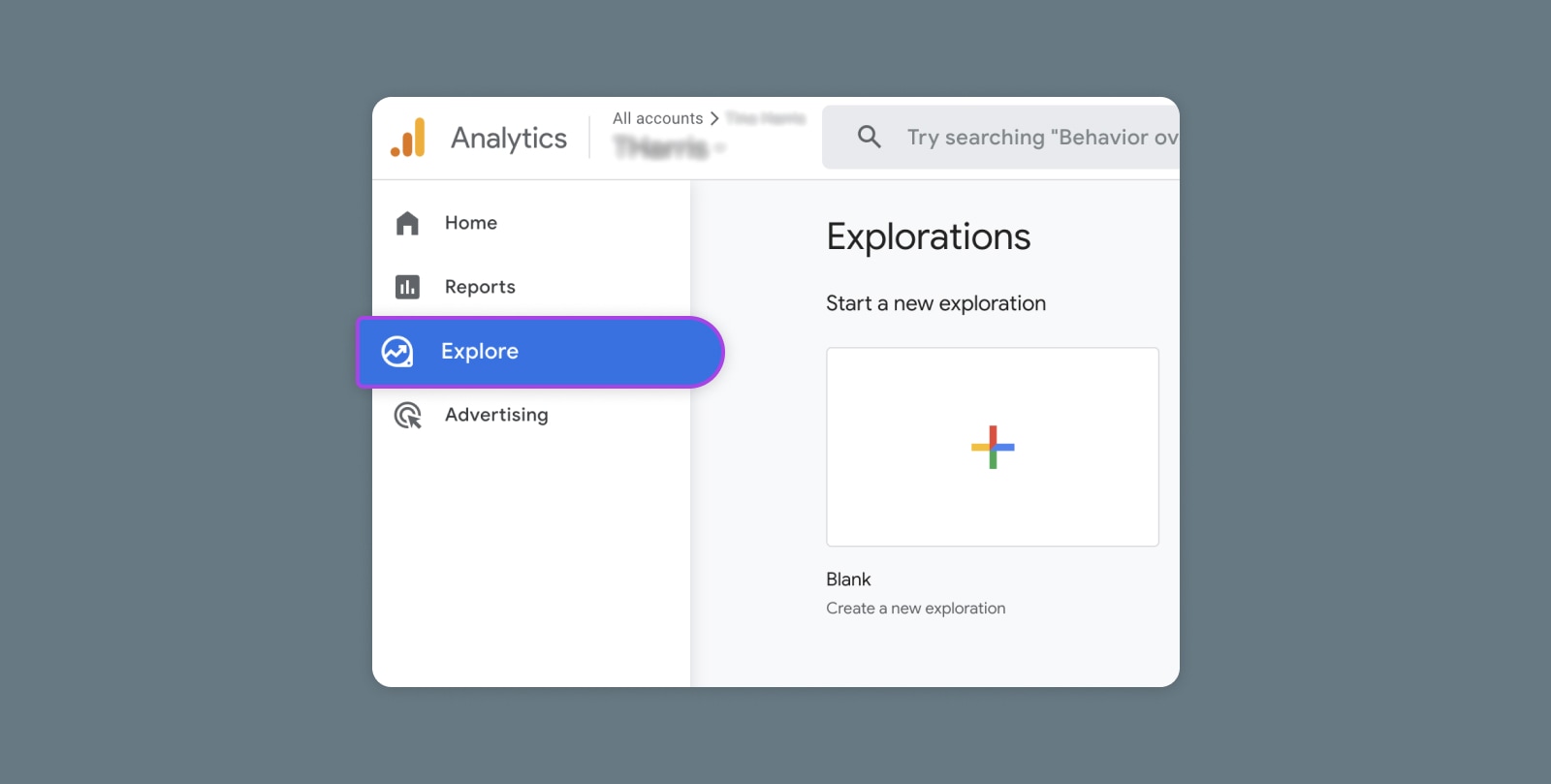
Creating and Mastering GA4 Explorations

In the switch from Universal Analytics (UA) to Google Analytics 4 (GA4) — which will go fully into effect July 2023 — a lot of things have...