Friday, 11 February 2022

How to Create a  Freelance Writer Website That Actually Gets You Writing Gigs

The reality is freelance. Did you know? During the COVID-19 pandemic, more than one-third of the American workforce contributed $1.2 trillion to the economy through freelance work — a 22% increase since 2019. Plus, it’s predicted that by 2027, freelancers will make up the majority, with more than 86 million people freelancing in the United States. 

So whether you work exclusively freelance or take on additional side projects in conjunction with your full-time work, you’re joining an ever-growing population of successful, untethered, and creative craftspeople who are seeking flexible alternatives to traditional employment

What’s more, the innovation and growth of technology have made the work environment more fruitful for freelancers: 42% of freelancers found work on social media. In this unpredictable nature of the economy during pandemic times, freelance work is increasingly valuable.

And you freelance writers, bloggers, and web content writers — we see you. We know you’re out there, coloring the world with your beautiful language and lightbulb ideas. You are needed more now than ever!

But because freelancers must do their own marketing legwork, you need to take advantage of every tool available to you in building a prolific writing business. One of the biggest weapons in your arsenal? A relevant web presence. Forget scouring the wanted ads to find work — establishing an online presence and showing off a strong virtual CV is vital for getting seen and earning $$$.

How to put your best foot—and word—forward online? A top-of-the-class website. For writers, a killer freelance writer website is a make-it-or-break-it tool for getting you leads on quality writing gigs. And we’re going to show you how to do it.

With a website, you can flaunt your talent and personality, create sustainable sales, build your writing portfolio, and connect with potential and return customers, building your business and financial success — all in one place. 

Why is Having a Good Freelance Writer Website Important?

So, wait. Back up. You’re a writer — you know, good ‘ol pen and paper. So, why do you even need a website in the first place? With a well-built freelance writer website, you can:

  • Showcase Your Online Portfolio. One of the most significant advantages of creating a freelance writer website is having a living, breathing portfolio that is easily accessible online. Prospective clients can access your work, and through a broad range of content, get a feel for your style, voice, and writing ability. In addition, they can view your previous work and a wealth of relevant content that will help them trust their business to you.
  • Increase Brand Visibility. Your website is a visible showcase of your writing ability and a crucial tool for establishing brand awareness. With a powerful online presence, visitors don’t have to dig around to discover info on your offerings. Not only do you make it possible for people to find you online, but your website also helps you build likability. With great content and engaging content, visitors start to care about you and your work and will entertain the prospect of working with you. It illustrates your legitimacy as a writing professional and helps you position yourself as an authority in your field. By making your work accessible, you broaden your visibility and provide social proof, which, in turn, increases your chances of getting rewarding freelance writing work. With the competitive nature of freelance work during COVID times, you need a leg up.
  • Strengthen Brand Legitimacy. Let’s be real. Companies without a website or an internet presence tend to raise some red flags in the e-commerce ecosystem, right? Everything’s on the web. These days, a dot com is an essential requirement in the biz world. If internet users can’t find your virtual corner of the web, customers seeking out a particular product or service will instantly think, “Can we trust that business if they’re not online in an everything-digital age?” 

It’s a no-brainer that if you want to do business and market a product or service in the world we live in, potential clients need to be able to find you with just a couple of clicks from their browser. So on a very basic level, having a website helps establish your brand as a legitimate business, rather than just operating amateur or letting customers rely on what they gather from your social media presence. What’s more, the better you are at outfitting your site with great content and strong visuals, the more that legitimacy will increase and work in your favor. So to bless your bottom line and earn trust from internet visitors, it’s crucial to demonstrate not only your tech-savvy web skills but also your ability to establish a professional and valuable web presence. 

Still having doubts? We understand. Let’s settle any possible qualms.

We know you’re wondering: Do I have to have a freelance writer website if I’m just getting started? The short answer: No. BUT — having an established site for your freelance writing (your services and a showcasing portfolio) is the best way to build a marketing funnel and establish a legitimate, cohesive, and authoritative brand. It’s a clear way to put your best foot forward and secure quality writing jobs.

OK, but hold up. It’s 2022, you say. Can’t I just use social media, like a LinkedIn company page, instead of a website to promote my writing business? Sure. But a website, even a simple one, is a good idea. With a well-established freelance writer website, you build authority as a brand and increase your chances of getting seen by potential clients. They’ll be able to contact you easily. Plus, you’ll own all the content on your site — something that isn’t always true on social media sites.

Perhaps building a high-performing and snazzy-looking freelance writer website seems like an overwhelming task. But putting in the effort to set up a website is an investment with guaranteed returns.  A site to be admired — and get you hired.  

How to Build a Great Freelance Writer Website in Seven Steps

Like we said, creating a great-looking freelance writer website doesn’t have to be rocket science or overly time-intensive. We’ll show you how to set up a website in seven easily-manageable steps. 

1. Brand Your Business

Time to pick a name, business owner! If you’re branding yourself and marketing your skills, you can use your own name, but ask yourself a few of the following big-picture questions before nailing down a moniker:

Would you ever sell your business? Even if you’re not entirely sure of your long-term business plan, you probably have an idea if you ever intend to pass the torch on your writing business or include others’ services or products in conjunction with your business.

If you’ve entertained the idea of selling your brand one day or partnering up, don’t brand yourself with your own name. Obviously, that is unique to you and won’t transfer. Also, if your name is difficult to spell, pronounce, or remember, consider the possible confusion using your name might cost your business. 

But then again, your personal name might help brand you uniquely as potential clients can differentiate you from other common-name writing businesses. So consider your options before jumping into a brand or business name haphazardly. You never know how you’ll grow, adapt, and change in your freelance writing business. So you’ll want to choose carefully to set yourself up for long-term success.

freelance writer typing

2. Choose a Content Management System

Now that you’ve got your brand’s fancy new name tag, you need a content management system (CMS) to facilitate the creation and publication of your content on the web. The best part? You don’t have to know how to program a single line of code to use one! Take WordPress, one of the web’s most popular content management systems out there (it powers more than 43% of the internet!) 


With the WordPress platform, you can create and manage your web content without the pressure of a deep learning curve — you can get a website set up with little-to-no technical know-how.

3. Register a Domain and Set up Hosting 

OK, you’ve decided you want to use WordPress, and you’re full of great content ideas. Good to go, right? Well, first, you need to find your site a home on the web so that visitors can actually view and engage with your content. All those great ideas won’t amount to anything if your website isn’t available online. That means you need two very critical components: a domain and a hosting provider.

A domain is the unique web address where your website can be found. This is what visitors will type into their browser to navigate to your site (for example, www.dreamhost.com). Your domain is unique to your website and should match your brand or business name. You should also consider your choice of top-level domain —  meaning .com or .blog or dot-whatever —  in order to position yourself as an authority in search engine rankings. Whatever domain name you choose, you purchase it through a registrar.

Next, you need a hosting provider. Hosting companies sell unique-to-you plans that include space on a server so that your website has a place to live online. Without a server, your website won’t be available to visit. For the best chance at scoring quality gigs, you need a quality hosting provider. 

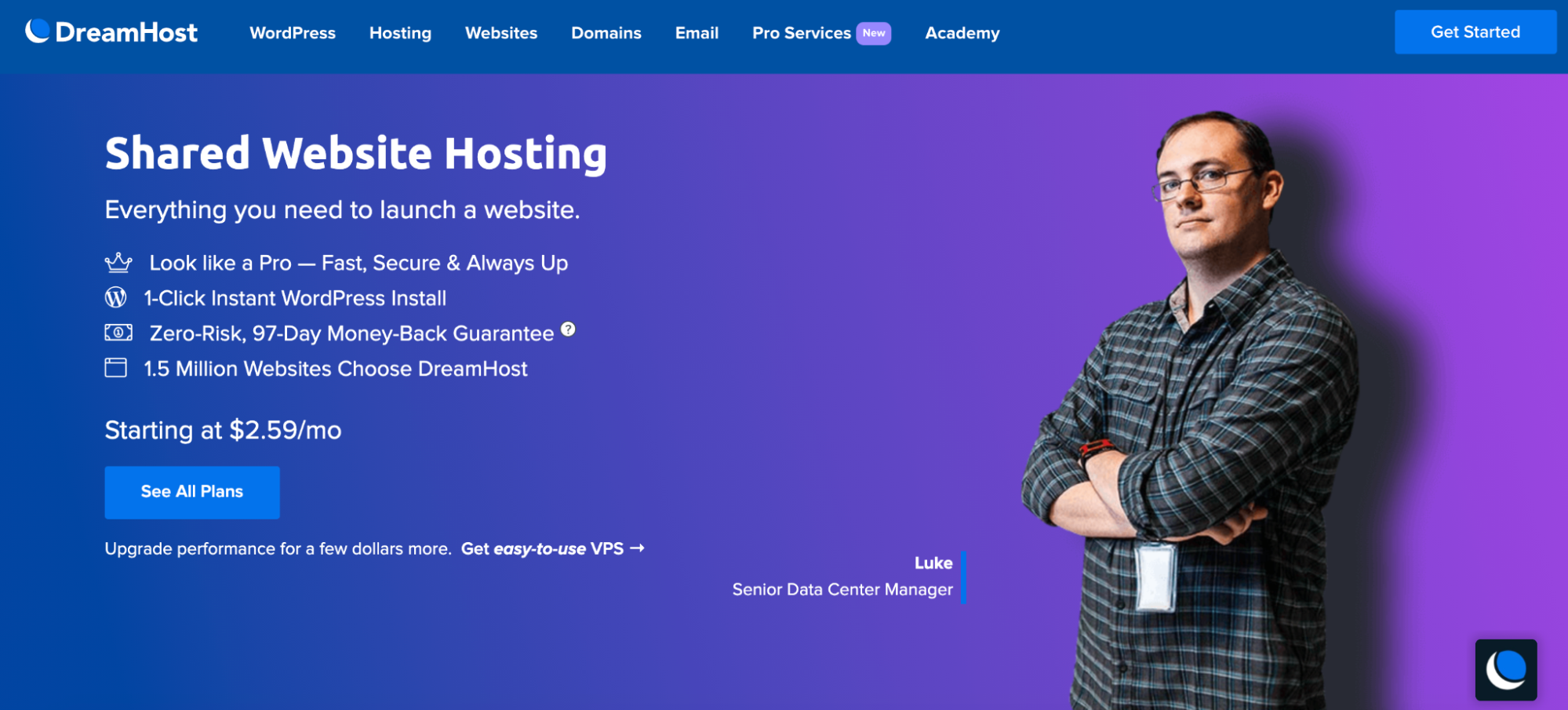
There are a lot of providers out there, but only DreamHost can offer you the best of the best: one-of-a-kind features, high-performance tech, and responsive support. Plus, we make things easy: domain registration and hosting services under one roof and one-click WordPress installs. With Shared Hosting, just check the “Pre-Install WordPress” box during sign-up, and boom! We install it for you. 

Shared Hosting provides ambitious WordPress beginners everything they need to create a killer freelance writing website that gets them hired. Even better? Our Shared Hosting plans start at just $1.99 per month.
freelance website hosting

4. Choose a WordPress Theme

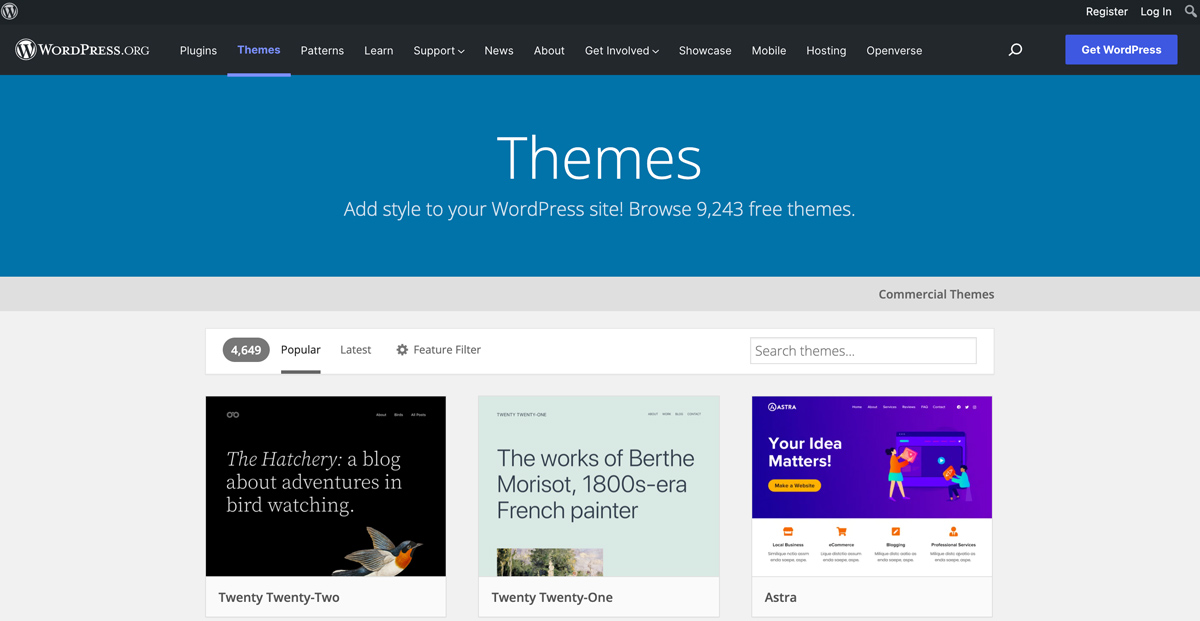
Time to outfit your website with a WordPress theme. The theme you select doesn’t just dictate the overall appearance of your site (though it does do that), but it also determines what sort of functionality your site will have. The right theme will allow you to control and customize your website to your exact specifications and niche. Browse the WordPress Theme Directory or search WordPress theme developers to find and install your perfect theme.
freelance website WordPress themes

5. Decide What Content Your Site Needs

So what does your freelance writer website need? What are the must-have content and features relevant to your niche? Time to make a plan. While you have the freedom to customize your website according to your brand and personality, there are a few essential pages that your site should have to set you up for the best possible business success:

  • Homepage: An easy-to-navigate and attractive landing page that can direct visitors and potential clients to important parts of your website.
  • Online Portfolio: Your website should be a solid, structured way to demonstrate your skills as a professional writer. A vital feature — nay, asset —  of your website is an easy-to-find, specially-dedicated portfolio section where you can showcase relevant published work and prove your capabilities as a writer.
  • Services: Website visitors need to know the product or services your company offers. Give potential clients a clear and detailed description of the specific writing services you specialize in.
  • About: Don’t be a robot behind the computer screen. Demonstrate your writing chops, let potential clients and visitors get to know you, and help them get acquainted with your unique voice with an engaging and humanizing Get-to-Know-Me section. Showcase your accomplishments and passion for what you do but also share what makes you unique.
  • Contact: How can potential clients get in touch with you? Make your contact information easy to find and use.

Now that you’ve got your essential pages set up, you can go above and beyond to bring your freelance writer website to the next level. While you should avoid non-essentials, you can consider adding the following optional (but helpful) pages:

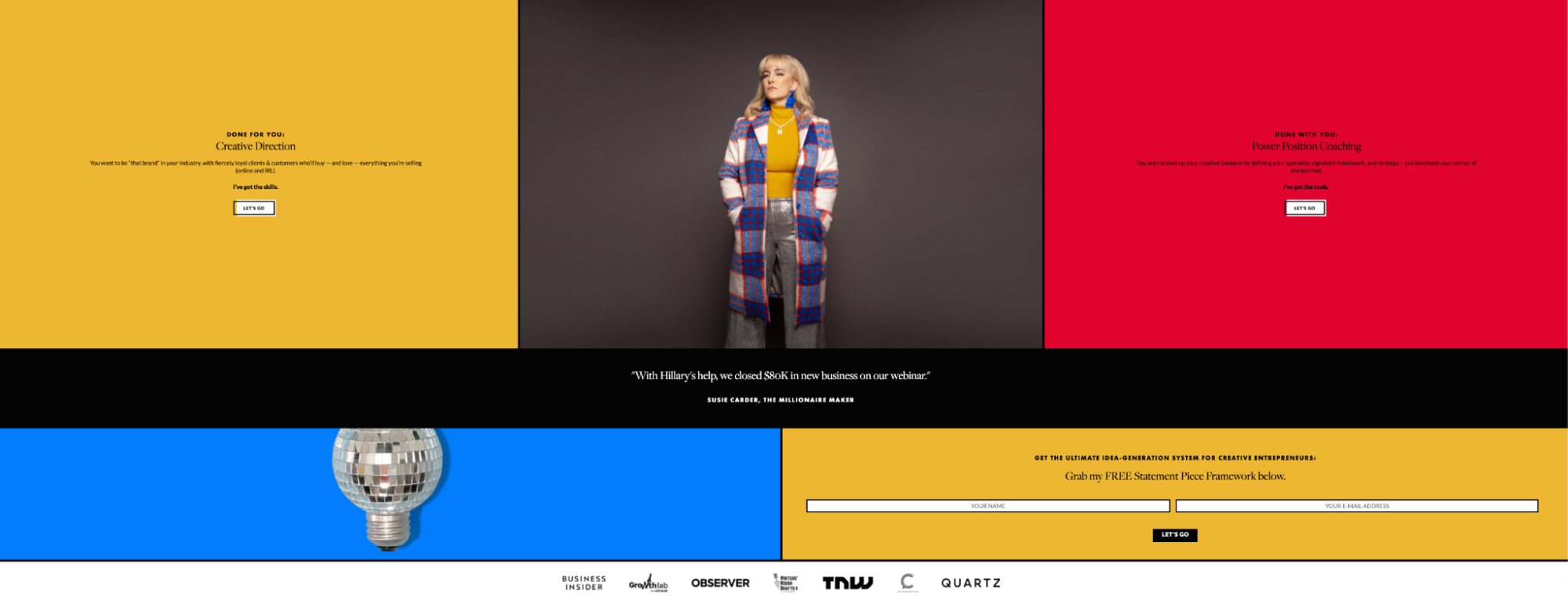
  • Clients: Name-dropping your current clients on your website is a great way to demonstrate social proof and establish your authority in the field. Think of it as a virtual word-of-mouth recommendation. 
freelance writer website
Speaker, writer, and consultant Hillary Weiss proudly displays the well-known brands that believe in her work.
  • Testimonials: The power of a good review cannot be overstated, especially in an online environment. Confidently showcasing positive feedback you’ve received from clients in your field about your writing services can be great fodder for snagging new clients and more writing jobs. It’s OK to toot your own horn.
freelance writer website
Writer and speaker Colleen M. Story inspires confidence with a visible display of reader testimonials.
  • Blog: In addition to your portfolio, you can showcase your writing chops and unique voice with a content-rich blog. The extra effort and value you provide your visitors with relevant blog content can be an investment with rich returns.
  • Resume: Allow visitors and potential clients to check out a bulleted list of your skills and achievements with an easy-to-view CV.
  • FAQs: If you want to answer potentially common questions about your work or services or provide more specific details to potential clients about what you offer, consider adding a FAQ section.
  • Downloads/Freebies: Making free, downloadable goodies available to your visitors on your site shows that you’re going above and beyond to offer value, demonstrating the high-quality nature of your freelance business.

Lastly, consider pricing: if you want to be explicit on your site about the cost of your services, be transparent, upfront, and confident in the value of your work. Or, if you have adjust-to-fit service options, you can keep costs mum and invite interested visitors to contact you for a quote.

6. Create the Content 

Time to get creating! You know the adage: content is king. Live by it. You need to fill your website with rich content to attract traffic and prove your worthiness as a business. Fill the content on your must-have pages first, then continue to provide valuable content regularly.

Of just as much importance as creating content is creating it smartly — meaning, using it to get found by potential clients. How to do that? Using keywords. Consider: what are relevant topics and search terms related to your field? Being smart about how you use phrasing and common search terms in your content will allow you to position yourself for good rankings and stronger search engine optimization. So do your research and incorporate common search terms into your content. Use tools like Google’s comprehensive (and free!) Keyword Planner to create high-traffic website content with smart keyword research and build a strong content marketing strategy.

Also, consider the tone of your content. Does it appropriately and uniquely represent your brand? Does it showcase your expertise and/or personality? One of the most marketable tools in your writer repertoire is your voice — use it smartly. Showcase what potential clients get with your unique skills by being conscious and intentional about your tone.

7. Launch

Celebrate! Toast to yourself, do a little dance, pat yourself on the back. You did it! Your website is up and running! You should be proud. We know that having something living, breathing out there on the web can be nerve-wracking. Don’t worry about your website not being perfect. The important thing is that it’s out there. 

Remember, you can always perfect and tweak over time. Most importantly, people can start finding you — and you have something you can improve on. 

Seven Mistakes to Avoid When Setting Up Your Writer Website

When you’re starting out with your website, it’s inevitable to face a learning curve. Some things just take time to learn. You will improve over time. But guess what? We want you to succeed —  as soon as possible. So we’re giving you some inside knowledge: a list of thou-shalt-nots when setting up your freelance writer website. Avoid these major whoopsies, and you’ll be one step ahead in attracting quality writing jobs. 

1. Bad Visuals

Let’s talk a little science. A large portion of our brains is dedicated to processing visual content. 80% of people remember what they see (compared to 10% of what they hear and 20% of what they read.) Lastly, know that visuals help grow traffic — content creators who feature visual content grow traffic 12 times faster than those who don’t.

Not having visuals as a part of your freelance writer website is a BIG no-no. But even more, having bad visuals can torpedo your chance at building a successful freelance writing business. Judgments on a company’s credibility are 75% based on the company’s website design, so take seriously the first impression you’re making with your visuals. Your visuals should reflect the quality work you offer, proving you trustworthy to potential clients and their money.

To benefit from the traffic-building and engaging powers of excellent visuals, select quality images, a robust visual structure, and remember: white space is good space.

2. CTA Issues

When visitors come to your website, you want them to do something. But if you don’t ask them to do anything, they will click away, and you won’t get any business. Not ideal. Even if you have kick-butt writing skills and excellent website design, having confusing, conflicting, or nonexistent CTAs (70% of small biz websites lack a CTA) will damage your chances of growing your business. 

So think: what do you need visitors to do to get writing gigs for your business? Whether it’s subscribing to an email list, filling out a contact form, or viewing your portfolio of work, make sure that your CTA is visible, clear, and focused

freelance writer website
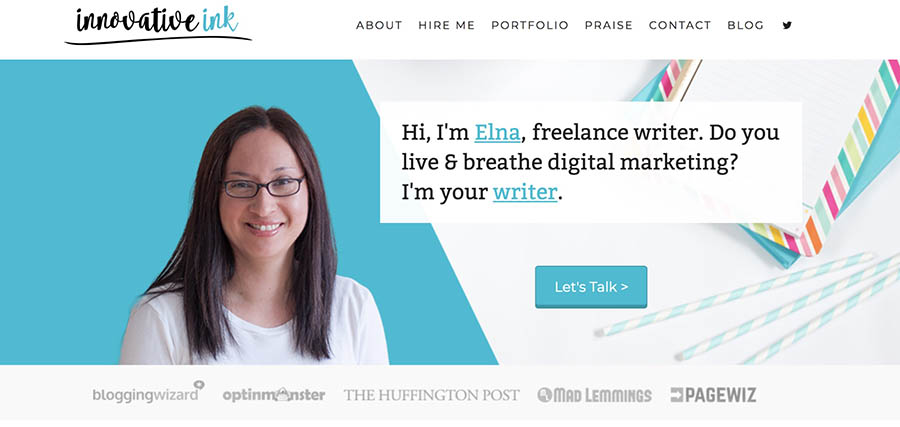
Elna of Innovative Ink has a clear CTA front and center — visitors know just what to do.

3. Sloppy Formatting

You’re not just a freelancer — you are a brand. As such, your potential clients expect a level of professionalism from you, so they need to see that the minute they click onto your site. Along with clear navigation, focused visual structure, and a frictionless contact funnel, your website needs to be fine-tuned, sleek, and polished. 

Even as a freelancer, an entrepreneurial free spirit, you need to channel those suit-and-tie vibes on your website to gain the trust of potential clients. No sloppy formatting, no error-filled copy, or overly-casual design. Concern yourself with the details. If you want people to trust you with their dollars, you need to be professional. Not only does meticulous formatting help your site design make a killer first impression (remember the eye-opening stats about visuals?), but it helps people view you as a trustworthy business.

4. TMI (Too Much Information)

Don’t get us wrong; it’s great to be personable and relatable. A critical part of your brand’s success is your likability. You want to be a person to visitors and potential clients, not just a robot writer behind a screen. 

But your website is not your online diary. 

Refrain from sharing too much personal info or content irrelevant to your field. Instead, focus your content and be strategic about what you choose to share, all with the goal of building your business and earning clients in mind.

5. No Target Audience

You have a brand-spankin’-new freelance writer website and are ready to bring in traffic, and ideally, new business. But who are you trying to reach through your website? What kinds of people are you looking to attract? In simple terms: who is your target audience

Your success is hugely determined by how you focus your efforts on building a business. If you cast too wide a net, you won’t be able to effectively target the high-quality clients that you want. So before you start seeking to build traffic, identify your target.

6. Weak Copy

You’re a writer. Skilled wordsmithing is your talent, your money-making tool, and your passion. That being said, every aspect of your website should reflect your abilities as a writer. Weak, lackluster copy will not earn you clients, build trust, or engage visitors. In fact, it will send potential clients to your competitors. 

Take special, even meticulous care in making sure that your copy is strong, engaging, and polished. Whether you’re writing blog posts, articles, or landing page copy, don’t just wing it — write and rewrite, seek a second pair of eyes for outside observation, and edit, edit, edit. The strength of your copy will make or break your business.

7. Infrequent Updates

Reality check: creating a money-making freelance writer website isn’t a one-and-done affair. Just like software needs regular updates, so does your website. Not only do periodic refreshes help you out SEO-wise, but they keep things relevant and professional. Update blog content, test plugins, solicit feedback, and use site analytics frequently to adjust how it operates for maximum UX. Know that you won’t always get things right the first time — continually be looking to improve all aspects of your website.

Handy Resources for Starting a Writer Website

Don’t worry — we’re not going to just throw you out to the web’s wolves without a few more top-tier tools for your burgeoning freelance writer website. Here, we offer you a well-curated roundup, a well-stocked toolbox of handy virtual resources destined to help you reach your goals.

Web Hosting

We know we’ve mentioned this before, but a good web hosting provider can make all the difference for the success of your freelance writing business. It’s true. Not only can a reliable hosting provider help make creating content easy, but it can make the management of your website a snap, leaving you to focus on the most crucial aspects of running your writing business. 

With DreamHost Shared Hosting plans, we offer you those benefits and more — including 24/7 support, high-performance tech, and budget-friendly options. Choosing a hosting provider is one of the first choices you’ll make on your journey — make it a smart choice with DreamHost

Logo

Like we’ve said, your freelance writing business is just that: a business. And most companies out there are easily identified by a unique marker — their logo. Think about any famous company: Nike, Apple, McDonald’s — you can quickly think of their logo just by seeing the name, right? Or you’d be able to pick it out easily if you just saw the logo’s telltale visual? Having your own logo is an integral part of establishing and building your brand. It’s essential for consistency, visibility, and growth. But don’t worry; making one that your visitors will love isn’t hard to do.

Brand Colors

In addition to your logo, you should establish a color palette that is unique to your brand. This will help your website and materials feel cohesive and professional and can even help you grow your business by highlighting relevant sections or CTAs with specific colors. Picking your brand colors is as easy as 1-2-3, but remember to be intentional about your personal branding choices.

Stock Images

We’ve already emphasized how significant visuals are for helping bring in traffic and engage visitors. So where do you get professional-looking images and other visuals? Try Pexels or Unsplash for high-res, royalty-free photos, or find a photographer to take some for you. If you’re ambitious, follow a DIY at-home photography guide to snap your own for cheap. And remember, copyright rules rule, so keep things legal. Give credit where necessary and don’t steal.

Photo Editing

You don’t have to be an Adobe Photoshop master to give your images that extra oomph. Crop, adjust, and enhance your photos to improve composition and make your website visuals a powerful tool in earning your business. Try a few simple photo editing tricks on the software of choice.

Icons

As another type of visual, icons or symbols on your website can make it easy for visitors to find exactly what they’re looking for — whether it be your social media pages, your portfolio, or contact form — without even having to navigate menus or copy. They’re a universal language! Get great-looking icons on sites like The Noun Project, Creative Market, or for free on Flat Icon.

Design

Your freelance writer website should have its own unique feel. After all, you are your unique brand. Your design incorporates not only your layout, but the style of your copy, visuals, and navigation. A well-designed website is carefully thought-out for ultimate functionality and aesthetic, and we’ve got the guide to help you make it look snazzy

If you don’t have an eye for design, DreamHost can help. We’ve partnered with the experts at RipeConcepts, a leading web design firm, to offer professional web design services to our users.

The Final Word

Now, we’ll reveal the results of our crystal ball reading: we see a bright (and prolific) freelance writing career in your future! Getting quality writing gigs may take some website-building legwork, but with a well-built site, you’re well on your way to new clients and a growing portfolio. 

Because your success is our success, DreamHost offers you the perfect beginning-of-the-journey hosting packages to get you on your feet. Check out our comprehensive Shared Hosting plans to start taking your career to the next level with a freelance writing website.

Build Your Online Portfolio with DreamHost

We make sure your freelance writing website is fast, secure and always up so you never miss a gig. Plans start at $1.99/mo.

shared hosting

The post How to Create a  Freelance Writer Website That Actually Gets You Writing Gigs appeared first on Website Guides, Tips & Knowledge.


source https://www.dreamhost.com/blog/how-to-create-freelance-writer-website/

Wednesday, 9 February 2022

35 Resources That Will Empower Black Business Owners to Thrive

Black entrepreneurs and inventors have brought us some of the world’s most important innovations, from blood banks to color PC monitors. The history of Black entrepreneurialism stretches back centuries, and our lives would not be the same without it.

There’s no denying that today’s Black business owners have hurdles to overcome, from accessing capital and mentorship opportunities to the instability and uncertainty caused by the COVID-19 pandemic. Fortunately, however, there are many grants and resources that can help you and your business thrive.

Keep reading as we explore the impressive legacy of Black entrepreneurship, along with 35 resources to help support you as you launch and grow your company.

Black Entrepreneurship Deserves to be Celebrated

The importance of celebrating the legacy of Black entrepreneurship throughout Black history cannot be understated.

The National Negro Business League, founded in 1900, predates the United States Chamber of Commerce. Its existence points to a long history of Black business ownership and a community spirit that saw Black Americans supporting each other in the face of racial inequality and discrimination.

Black entrepreneurs have helped shape our modern world, and they have done so despite a history of racial segregation and discrimination. And today, Black-owned businesses help narrow the racial wealth gap, strengthen local economies, and create jobs within the community.

Resources That Will Enable Black Business Owners to Succeed

Whether you’re just getting started or looking to expand your already successful company, the right support can enable your business to thrive. We’ve gathered 35 resources — from grants and equity investments to training and mentorship — listed in alphabetical order below.

resources for black-owned businesses

Resources for Black Business Owners in the United States

Accion Opportunity Fund (AOF)

The nonprofit AOF offers loans from $5,000 to $100,000 in size, as well as interactive learning, business coaching, and mentoring. Ninety percent of its clients are diverse, with a focus on people of color and women.

Amazon’s Black Business Accelerator

U.S.-based businesses who are certified Black-owned and ready to sell products via Amazon (or are already doing so) can access a variety of support through this initiative. This support includes cash grants, advertising credits, free imaging services, and a year or more of advisory services to help your Amazon business succeed.

After enrolling in this program, you can then sign up for BBA Connect: an initiative that gives you access to further training and mentorship, as well as networking opportunities with other Black Amazon sellers.

Backstage Capital

Venture capital firm Backstage Capital works with underrepresented entrepreneurs, including people of color, women, and the LGBTQ+ community. The company funds businesses within all industries. Backstage Capital is primarily focused on U.S.-based enterprises, although it will consider international applications.

Black Business Alliance

The nonprofit, U.S.-based Black Business Alliance offers workshops and training, loans, mentoring and coaching, technical assistance, and events and networking. Many of these initiatives are free and targeted at small and medium-sized businesses within the United States.

Black Connect

The not-for-profit organization Black Connect is centered around networking opportunities for Black people across the United States. However, it also has some members in the Caribbean, Africa, and the U.K.

Black Connect also provides funding through pitch competitions, while its Business & Entrepreneur Assessment program is a mentorship-based scheme that helps Black entrepreneurs launch their businesses.

Coalition to Back Black Businesses

Coalition to Back Black Businesses provides grants of $5,000 to$25,000 along with coaching for Black-owned businesses in economically vulnerable communities across the U.S. Launched in 2020. It is currently programmed to run until 2024 to help businesses recover from the COVID-19 pandemic. Although businesses must be in economically vulnerable communities, at present, this includes 80% of U.S. zip codes.


DivInc Accelerators

Nonprofit DivInc provides three-month accelerator programs for early-stage tech founders who are people of color and/or women. The programs are full-time and include coaching and strategy sessions, networking, legal consulting, and a customized curriculum designed around your company’s needs. Many of the accelerator programs also provide a grant on completion.

The organization also provides Validation Bootcamps for entrepreneurs with potential business ideas and runs the Startup Sistas networking group for female entrepreneurs of color.

Elevate Together

Elevate Together is a nonprofit initiative that supports Black and Hispanic businesses with five or fewer employees. It runs business workshops, provides technical assistance, and connects entrepreneurs with a small business mentor. It also gives access to professional networks and platforms, including ones for nontraditional lending sources. Finally, Elevate Together offers cash grants and donates products and services, such as office furniture and printing services.

Foundation for Business Equity

The Foundation for Business Equity supports Black and Latinx entrepreneurs by facilitating their access to growth capital and corporate and large public contracts. It also provides strategic advisors, direct service specialists, and peer-to-peer support.

Goldman Sachs’ One Million Black Women

As part of their One Million Black Women initiative, Goldman Sachs provides investment capital for Black female entrepreneurs. The program will run until 2031, and you can apply through Hope credit union.

Hello Alice Black Business Center

Via its Black Business Center and in partnership with the NAACP, Hello Alice provides business guides, a funding database, and a community for Black entrepreneurs to network in. The funding database includes grants and loans from various organizations and grants offered directly by Hello Alice.

Lemon-AID Foundation

The Lemon-AID Foundation provides loans, equity investments, and grants to support small businesses. It is primarily serving minority- and women-owned companies.

Minority Business Entrepreneur Magazine

This magazine publishes a wide range of business management articles targeted towards minority business owners in the U.S. What’s more, its classifieds page shares adverts from businesses looking to work with minority-owned suppliers and subcontractors.

National Black MBA Association (NBMAA)

For Black entrepreneurs with or working toward an MBA, the NBMAA provides networking opportunities and training, scholarships, pitch challenges, and potential connections with venture capitalists.

National Minority Supplier Development Council (NMSDC)

The NMDSC certifies minority-owned suppliers and connects them with larger corporations looking to diversify their supply chain. As well as operating within the U.S., it partners with international organizations to facilitate global trade. It’s worth noting that there is a fee for the certification process while paying further subscription fees gives businesses access to more opportunities.

The organization also provides scholarships and grants, including ones targeted at young entrepreneurs (aged 19 to35).

National Urban League

The National Urban League provides counseling, training, mentorship, and support in accessing funding for people of color in the U.S. Additionally, their digital Advancing Black Entrepreneurs program is focused on business growth and sustainability.

Small Business Administration 8(a) Business Development

The 8(a) Business Development program is designed to help majority-owned businesses controlled by socially disadvantaged groups, including Black Americans. It helps these businesses gain government contracts, as well as provides mentoring, training, technical assistance, procurement assistance, and more. The 8(a) status lasts for nine years, with no need to reapply during that time.

US Black Chambers (USBC)

The USBC offers training, mentorship, free certification as a Black-owned business, entry into a Black-owned business directory, and more. In addition, it runs frequent events to support Black entrepreneurs, from boot camps to networking opportunities. It also partners with many large brands, including Google, Amazon, and Verizon, to ensure business owners are aware of upcoming opportunities and how to access them.

US Department of Transport (DOT)’s Disadvantaged Business Enterprise (DBE) Program

The DOT’s DBE helps businesses that are majority-owned by disadvantaged Americans apply for federally funded transportation projects, such as highway construction. Black Americans are automatically considered disadvantaged and are therefore eligible to apply.

US Minority Business Development Agency (MBDA)

The MBDA has various programs and initiatives to help minority-owned businesses and entrepreneurs. For example, business and industry-specific centers across the U.S. provide advice from experts. The MBDA also has diverse grants available and programs to help connect entrepreneurs with lenders and investors.

United States Minority Chamber of Commerce (US MCC)

The U.S. MCC is open to members across the U.S. and Latin America. It facilitates networking, provides regular business training, and hosts numerous events, including Women Leadership Summits. Plus, it shares information about potential loans and grants.

Additional Resources for US-Based Business Owners

Accompany Capital

Women, immigrants, and refugees in New York can access small business loans and microloans via Accompany Capital, in addition to workshops and webinars.

Grants.gov

Grants.gov contains a database of all available federally funded grants, along with information and educational resources on how to apply. It is also available as a mobile app.

Local Initiatives Support Corporation (LISC)

LISC provides small business relief grants, digital-ready grants, and regional grants for small business owners. It also shares information about mentorship schemes, and business owners can go to their local LISC office for more advice and information on resources.

National Association for the Self-Employed (NASE)

NASE members can apply for growth grants for your business and yearly scholarship grants for college for dependents. The organization also provides advice on business law, strategy, IT, marketing, tax, and B2B leads and discounts on various business services from partners, ranging from payroll providers to various health insurance plans.

Operation HOPE

Operation HOPE provides a series of programs to support communities across the U.S. in achieving financial dignity and empowerment. Aspiring and/or new business owners can sign up for their eight-week Entrepreneurship Training Program, specifically designed for individuals lacking capital or access to funding and business education.

The HOPE Business In A Box Academies (HBIABA) also provides middle and high school students with business training, mentors, and even start-up grants. s.

USDA Rural Business Development Grants

If you live in a town or rural area and employ fewer than 50 people, you are eligible to apply for a grant for technical assistance, training, and economic development. This covers everything from land acquisition to feasibility studies, with a full list of allowed uses on the website. There is no maximum limit for the grant amount.

United States Hispanic Chamber of Commerce (USHCC)

Latinx Americans will find that the USHCC has many programs and resources available. These include Avanzar, an eight-month business accelerator program; procurement matching events and supplier boot camps; networking opportunities; technical assistance; and more.

US Small Business Administration (SBA)

We previously discussed SBA’s 8(a) Business Development program, but that’s not all the SBA offers. You can also access free business counseling and resources to help you plan, launch, and manage your business, as well as business loans.

Your Local Chamber of Commerce

In addition to Black and minority chambers of commerce, signing up to your town or state’s local chamber of commerce may grant you access to training, funding opportunities, and more.

We Support Your Dream

Whatever your online goals, we’ll be right there with you, making sure your site is fast, secure, and always up. Plans start at $1.99/mo.

Resources for Black Business Owners Around the World

Accion International

Similar to Accion’s U.S.-based Opportunity Fund above, Accion International provides services on a global scale. Applicants can receive advisory services, targeted coaching, and financial investments. In addition, online toolkits are readily available for all businesses.

Currently, the organization operates in the Americas, Asia, Africa, and the United Kingdom.

Black Business Network

Black Business Network provides support for U.K.-based small and medium enterprises. This includes mentoring and skills development, events, and networking. The organization also recommends funding channels and releases reports on Black British entrepreneurship.

Black Entrepreneurship Program

The Government of Canada’s Black Entrepreneurship Program provides mentorship, training, and loans for Black-led businesses in the country. Some of these are only available for nonprofit businesses. The program also leads research into Black entrepreneurship within Canada.

Canadian Black Chamber of Commerce

Via the Canadian Black Chamber of Commerce, business owners can be matched with mentors, receive free business advice, attend workshops, and bid on corporate and government contracts. There are also entrepreneur programs for women and youth.

Kiva

Nonprofit organization Kiva allows entrepreneurs across the world to access microloans while enabling ordinary people around the world to crowdfund them. Borrowers in the U.S. pay zero percent interest rates, while borrowers in other countries may pay interest rates to a local organization partnering with Kiva.

The Tools You Need to Succeed as a Black Business Owner

Launching a business is an act of passion and hard work. The right resources can support you in achieving your goals, yet it’s your dedication that will lead you to success.

Here at DreamHost, we believe our job is to help set you up to thrive. That’s why we created our Ultimate Small Business Resource Guide —  for comprehensive tips on everything from building a website to creating a marketing strategy, be sure to check it out!

The post 35 Resources That Will Empower Black Business Owners to Thrive appeared first on Website Guides, Tips & Knowledge.


source https://www.dreamhost.com/blog/resources-for-black-owned-businesses/

Thursday, 3 February 2022

18 SEO Tools to Optimize Your Website for Success

Search Engine Optimization (SEO) is one of the things to master when running a website. The way Google and other search engines rank your website changes constantly. This means you need to keep up with the latest SEO developments if you want to outpace the competition.

The good news is that there are plenty of excellent tools you can use to help you grow your search engine presence and get the data you need to improve your rankings. If you know what they are and what they can do for you, you’ll be well equipped for success.

In this article, we’ll introduce you to 18 handy SEO tools. Each can help improve your rankings on search engines. Let’s jump right in!

Optimize Your Site with DreamPress

DreamPress' automatic updates and strong security defenses take server management off your hands so you can focus on SEO.

1. Google Search Console

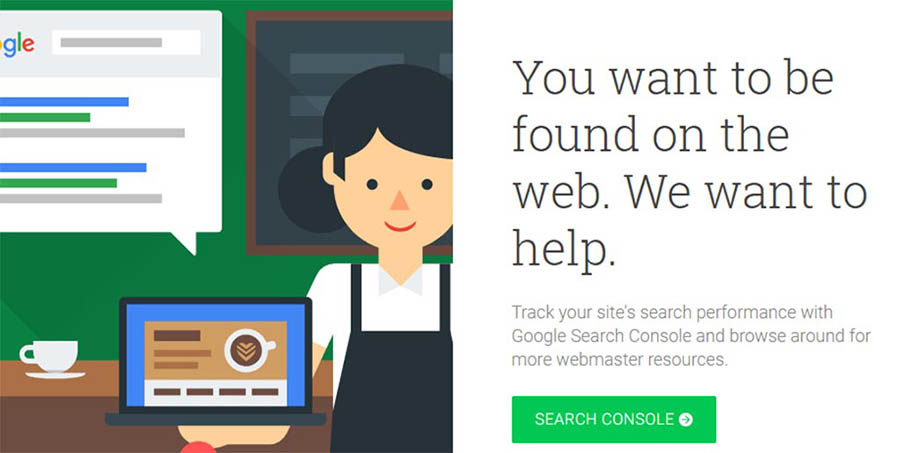
Google Search Console. 

Google Search Console is a collection of services you can use to figure out how Google views your website. This service provides you with a wide array of free SEO tools, covering many different aspects of optimization.

For example, Google Search Console enables you to check out any crawl errors that have occurred on your website so you can correct them right away. It can also point out when your site is affected by malware, what keyword phrases people are using to find your site, the backlinks you’ve received, and more.

The many features this service offers makes it a near necessity if you’re concerned about your organic presence. There’s a clear focus on Google results here, but don’t worry. If you can rank well on Google, the chances are high that you’ll also do OK in other search engines.

As far as actually using the service goes, Google Search Console is very simple to understand. It’s also easy to add your website and get started, so there are no reasons to avoid it.

Key Features:

  • Monitor how Google perceives your website.
  • Keep track of what keywords visitors are using to reach you.
  • Stay on top of any crawl, meta tag, or sitemap errors.
  • Update your robots.txt file.
  • Monitor your site’s backlinks.
  • Get alerts if your site is infected with malware.

Price: Free!

2. Semrush

Semrush is a keyword research tool that enables you to get data about how many people are looking for specific terms. On top of that, it also provides you with information on similar keywords, related ads, product listings, and a lot more.

Along with being an excellent keyword tool, Semrush can also offer information about your competitors’ strategies. For example, it can tell you how much traffic they’re getting, how much of that comes from paid ads, and what their backlinks are.

If you’re the kind of person who loves doing keyword research, you need a tool like Semrush in your arsenal. With it, you’ll be able to figure out exactly what keywords will give you the best results for your efforts and check which terms your competitors are ranking for.

This service even enables you to peek into your competitors’ text and media ads, which can save you big money when it comes to testing. However, keep in mind that all this data means the learning curve with this service can be a bit steep.

Key Features:

  • Research the value of specific queries.
  • Check out what keywords your competitors are ranking for and how much traffic they’re getting.
  • Find information about other websites’ backlinks.
  • Look into your competitors’ text and media ads.

Price: You can get up to 10 results for free per day or sign up for a premium account. The good news? We’ve worked out a special 14-day trial with Semrush so you can see if they’re a good fit for your site! 

3. BuzzStream

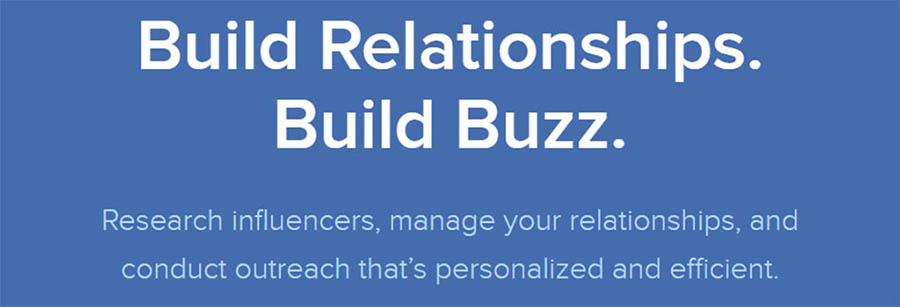
BuzzStream website. 

BuzzStream offers you a collection of tools to help with domain research, email marketing, and project management. It’s a very all-in-one type of platform, and the sheer number of options it provides can be intimidating. With that in mind, let’s focus on how it can help you tackle your SEO needs.

When it comes to research, BuzzStream can help you collate lists of results for the keywords you look into. Then it provides you with information about each of those websites, including overall rankings, related social media accounts, domain age and authority, and more.

In practice, you can use these features to help you do a thorough SEO audit, researching who your competitors are and the content they’re publishing. Moreover, it can even help you create lists of their authors and what each one is up to, so you can keep an even closer eye on their strategies.

Key Features:

  • Research your competitors based on any keywords you want to target.
  • Collect data about domain age and authority for specific websites.
  • Find out what your competitors’ rankings are in the SERPs.
  • Locate the social media accounts for your competition’s sites.
  • Create lists of authors who write for competing websites and follow what they’re doing.

Price: BuzzStream plans start at $24 per month.

4. DreamHost SEO Toolkit

Want to grow traffic without blowing your budget on enterprise-level tools or a private contractor? If you’re a DreamHost customer, you can take advantage of SEO Toolkit and become your own SEO pro. 

With more than 100 automated checks and verifications, SEO Toolkit starts by auditing your site to find potential issues. Then, it creates a personalized SEO plan with a checklist of simple tasks you can tackle to start seeing ranking improvements. For example, SEO Toolkit analyzes your site’s pages and provides targeted recommendations on where to position keywords to optimize your content.

SEO Toolkit also makes it much easier to track competitors — we’ve talked before about the benefits to monitoring your online competition — so you can tweak your keyword strategy and land at the top of the SERPs. 

Key Features:

  • Get a comprehensive website audit to identify potential SEO issues.
  • Generate a personalized SEO plan with tasks to improve your site’s search engine performance.
  • Stay up to date with weekly progress reports.
  • Take advantage of SEO toolkits on-page optimization tools to improve keyword placement.
  • Track up to 20 keywords and four competitors.

Price: SEO Toolkit costs just $4.99 per month. New DreamHost customers can add SEO Toolkit when signing up for a hosting plan. Existing customers can enable SEO Toolkit directly in their panel.

5. Moz Pro

Moz Pro homepage.


Moz Pro is a suite of SEO tools created to help you tackle optimization using a data-driven approach. To give you a quick overview, Moz Pro is somewhat similar to SEMrush, in that it enables you to research both specific long-tail keywords and other domains. You can use this information to avoid keywords with little potential and to improve on what your competitors are doing.

When you look into a keyword using Moz Pro, it will show you a difficulty score that illustrates how challenging it will likely be to rank for that term. You also get an overview of how many people are searching for that phrase, and you can even create lists of keywords for easy comparison. These are all features you’d expect from a reliable keyword research tool, but Moz Pro stands out thanks to a very intuitive interface.

As for what’s so unique about Moz Pro, the platform offers a Chrome extension you can use to get information on any domain you visit. Moreover, it can provide suggestions about on-page optimization and alert you about crawling errors, much like Google Search Console.

Key Features:

  • Research how competitive a keyword is, as well as its search volume.
  • Get suggestions on related keywords.
  • Investigate your competitors, including which keywords they’re targeting.
  • Use a Chrome extension to look into other domains without going to the Moz website.
  • Compare multiple keywords using custom lists.
  • Get on-page optimization suggestions and error alerts.

Price: A 30-day free trial is available for the Pro plan, while regular pricing starts at $99 per month.

6. Linkody

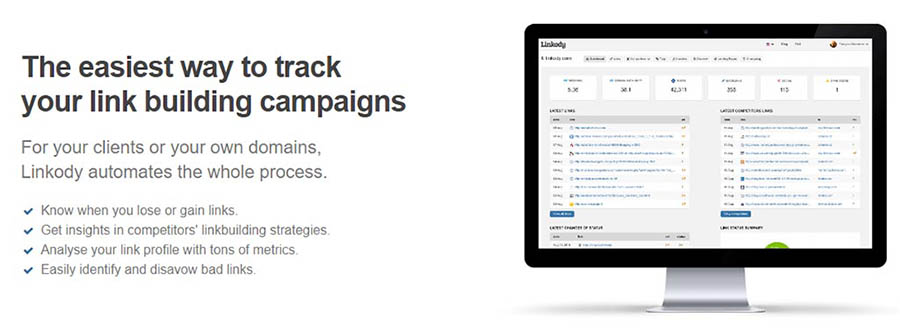
Linkody website. 

Linkody is all about backlinks. This tool allows you to find out who’s linking to your website, learn what keywords they’re using, and even “disavow” links you don’t like. That last feature can be handy if you think someone is linking to your website as spam since you don’t want search engines thinking you’re trying to game the system.

While the main attraction here is the backlink reports, Linkody also offers a few notable extras. For example, it provides you with the option to generate reports that you can send to clients, monitor your site’s social shares, and connect to Google Analytics.

Overall, it’s a pretty niche tool, but quite useful if you need some help with link building. More importantly, it’s a lot cheaper than the massive do-it-all services we’ve talked about so far.

Key Features:

  • Analyze your website’s backlinks.
  • Disavow bad links that might affect your SEO.
  • Generate backlink reports for your clients.
  • Connect to Google Analytics to gain access to more data.
  • Monitor your site’s social shares.

Price: Linkody plans start at $14.90 per month for up to two domains, but you can also try it free for 30 days without a credit card.

7. Ontolo

Ontolo home page. 

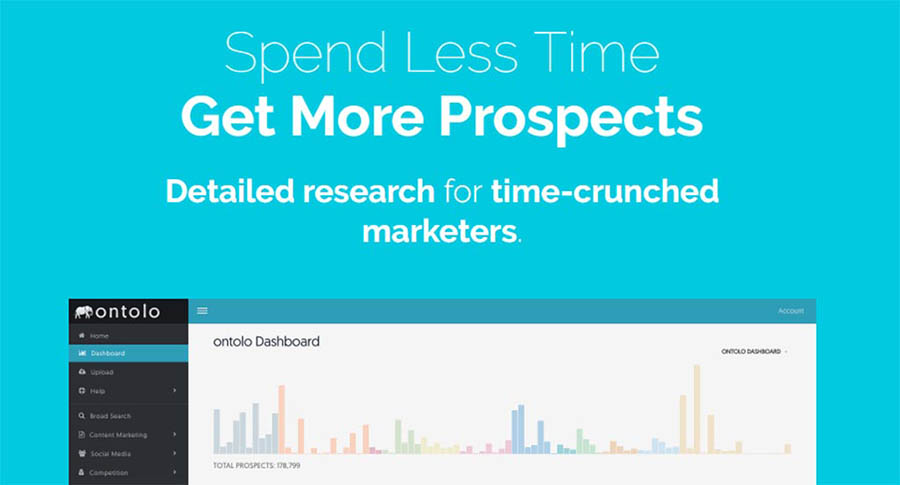
Ontolo is a research tool you can use to find marketing and SEO opportunities. It can also help you find backlinking and guest posting opportunities, which is not something you’d expect an automated tool to do so well.

The idea behind Ontolo is that it helps you find ways to grow your traffic beyond keyword research. If you want your website to become more authoritative, backlinks are essential, but finding the right opportunities can be daunting.

Ontolo helps you locate those opportunities, so all you have to do is pitch them (which sadly can’t be automated). It can pull prospects from over 80 sources, so chances are you’ll find excellent options regardless of what keywords you’re trying to rank for.

Key Features:

  • Look for guest posting and backlink opportunities.
  • Collect data from over 80 sources to find the best prospects.
  • Carry out research using simple-to-understand reports.
  • Export your prospects to share them with others.

Price: Ontolo plans start at $97 per month and come with a 30-day money-back guarantee.

8. HubSpot’s Website Grader

HubSpot’s Website Grader tool.

HubSpot’s Website Grader is a lot more straightforward than the other SEO tools we’ve featured so far. To use it, all you have to do is enter a domain and wait for HubSpot to generate a report. When you get that report back, you’ll find separate scores for your site’s performance, mobile-friendliness, SEO, and security.

It’s crucial to keep in mind that performance, mobile-friendliness, and solid security practices directly impact your SEO. In a way, your entire report is one giant analysis of how your site is faring from an SEO perspective. Better yet, this tool breaks down each part of the report and provides you with tips on how to improve every element.

HubSpot’s Website Grader is incredibly simple to use, and it can help you improve your website quickly. Plus, it won’t cost you a thing, so this one definitely deserves your attention.

Key Features:

  • Analyze your website’s performance, mobile-friendliness, security, and SEO.
  • Receive separate scores for each aspect of your site.
  • Get recommendations for how to improve each score.

Price: Free!

9. Google AdWords Keyword Planner

Google AdWords Keyword Planner. 


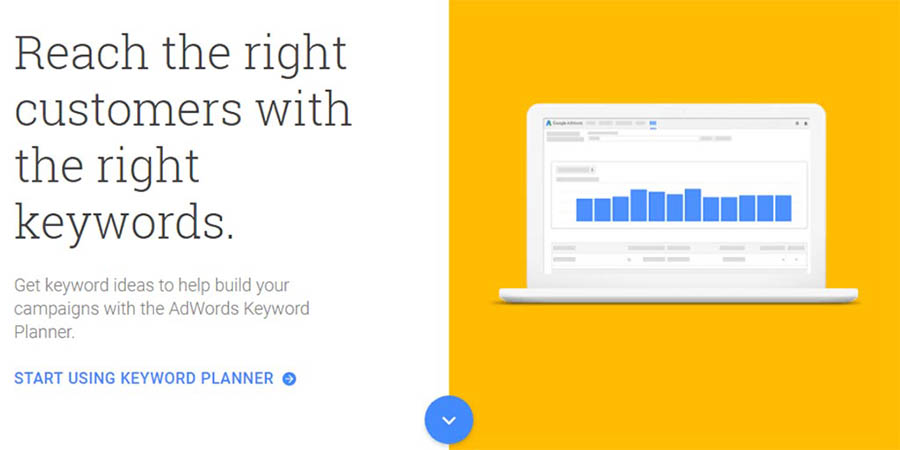
Google AdWords Keyword Planner is one of the most comprehensive keyword research tools you can use. With it, you can look up keywords and get traffic estimates about them. More importantly, it can help you figure out how competitive keywords are based on their AdWords price.

To avoid overwhelming you with information, this tool lets you filter keywords out based on Cost-per-Click (CPC) or search volume. This way, you can get reports based only on the estimates you want to aim for.

Overall, the Keyword Planner offers much of the same functionality we’ve seen from other SEO tools on this list. The difference is that this one is part of the Google ecosystem, and you can get amazingly detailed reports for free.

Key Features:

  • Find out the search volume for any keyword you want.
  • Determine a keyword’s competitiveness from its CPC.
  • Get detailed reports for specific keywords.

Price: Free!

10. WooRank

WooRank website scoring tool. 

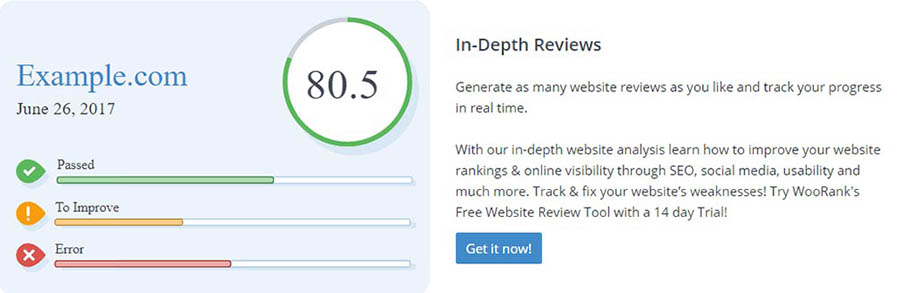
WooRank is similar to HubSpot’s Website Grader in that you give it a link, and it provides you with a full report card. In this case, it gives you a single score for your entire website. After that, it launches into a list of everything you can do to improve its SEO and mobile-friendliness.

The main selling point, in this case, is that WooRank also provides you with tips to improve your site’s usability and performance. From our experience, its recommendations are solid. To top it all off, you also get an analysis of how well you’re doing from a backlink perspective.

Overall, this is an excellent tool if you want a quick rundown of what you’re doing right and wrong on your website, including when it comes to SEO.

Key Features:

  • Analyze your website’s overall status, including SEO, usability, performance, and backlinks.
  • Receive tips on how to improve your website and tackle SEO tasks.
  • Analyze your domain’s authority.

Price: Free, with premium options starting at $59.99 per month.

11. Varvy SEO Tool

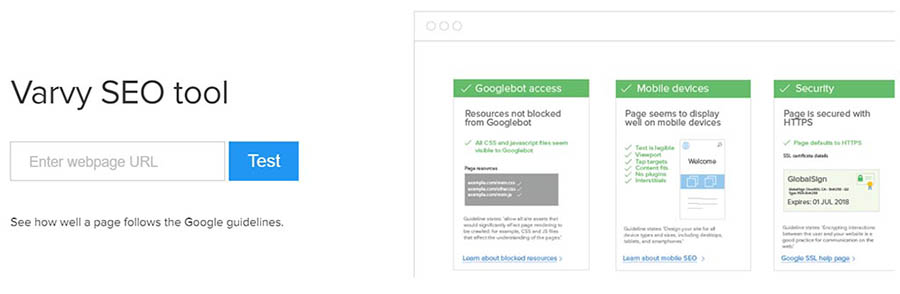
Varvy SEO tool. 

Our next pick is another tool of the “Enter a URL and get a report” variety. However, this one is different from those we’ve introduced so far. What the Varvy SEO tool does is check to see if your website is following all of Google’s SEO guidelines. It can produce a full report in seconds.

What’s more, that report is very extensive. It checks for several things, including page speed issues, mobile-friendliness, on-page SEO, and more. However, the best part is that Varvy SEO Tool really takes the time to explain why each setting is vital.

If you’re new to SEO (or website optimization in general), you’ll probably welcome all the information this tool has to offer. It even provides links to further reading for each setting it covers, in case you want to learn more about them.

Key Features:

  • Check to see if your website follows Google’s SEO guidelines.
  • Receive a quick report, including precise information on how to fix each issue.

Price: Free!

12. Screaming Frog

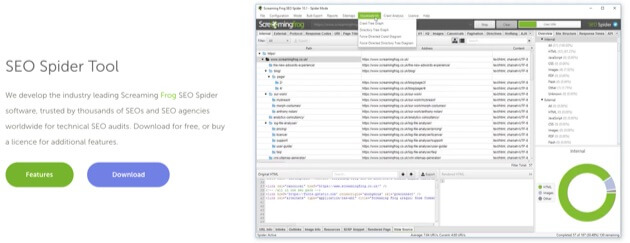
Screaming Frog SEO Spider Tool. 

Screaming Frog offers an SEO Spider Tool, a sophisticated crawler that can accomplish a host of optimization tasks. This includes finding and fixing broken links and redirects. 

If you operate an online store, Screaming Frog has some especially helpful options. For example, you can use the crawler to extract data from HTML pages on your site using CSS Path. This means you can use XPath or regex to gather data about prices, SKUs, and more. 

You can even use this tool to generate XML sitemaps and connect them up to Google Analytics. What’s more, Screaming Frog has a pretty robust free version, so you can try out the main functionality before you decide to leap in.

Key Features: 

  • Analyze titles and metadata. 
  • Crawl your site to find and fix broken links.
  • Discover and resolve duplicate content and pages. 

Price: You can access the free version with limited features and URLs, or get the full version for £149 per year (about $191).

Be Awesome on the Internet

Join our monthly newsletter for tips and tricks to build your dream website!

13. Yoast SEO

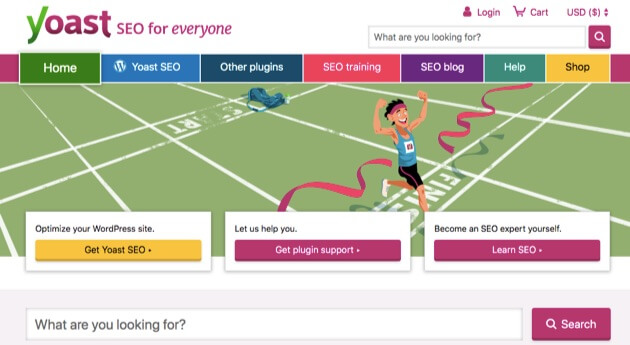
Yoast SEO tool. 

Yoast SEO is often touted as the number-one WordPress SEO plugin. Its features cover the full spectrum when it comes to SEO. You can conduct readability checks, for example, and set canonical URLs to avoid confusing Google with duplicate content. 

Other functionality on offer includes keyword optimization and the ability to preview pages in Google, Facebook, and Twitter. With the upgraded version of the plugin, you will also get some content assistance, since Yoast will offer you internal linking suggestions as you write pages and posts. 

Yoast SEO has a robust knowledge database to help you get started. Plus, with the premium version, you’ll have access to one year of 24/7 help from an expert support team. 

Key Features: 

  • Optimize your content for specific keywords.
  • Provide search engines with the metadata they need to understand your content.
  • Avoid duplicate content.
  • Handle critical SEO tasks automatically, such as creating a sitemap and optimizing permalinks.

Price: You can download a limited free version or get the premium version for $89 per year.

14. Link-able

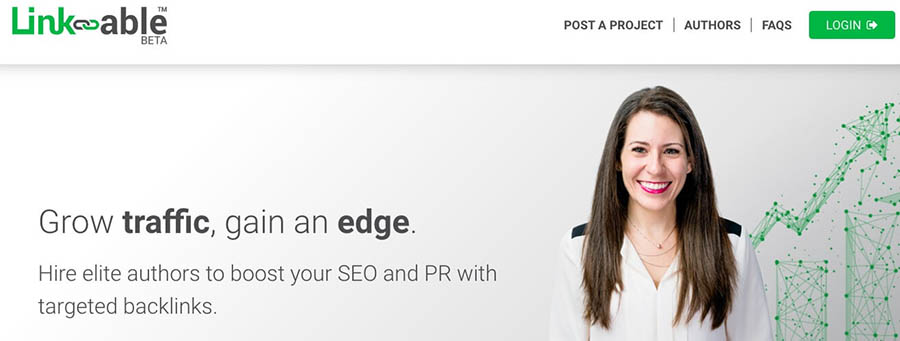
 Link-able SEO linking tool.

Link-able offers a fairly unique approach to optimizing your website, boosting SEO, and expanding your traffic. You can think of this service as a highly-specialized job board. It’s designed to provide marketers with a reliable way to create backlinks for their content. 

The process starts with a marketer posting a specific request on the Link-able website. This request will include details about the kind of backlinks the marketer wants to build. They’ll also provide any other information that might be helpful, much like a job posting. 

Authors who have been thoroughly vetted by Link-able will be able to access the project database. They can submit proposals for specific projects and wait for the marketers to respond. If a marketer likes a proposal, Link-able connects the two parties, and the work is guaranteed. 

Key Features:

  • Find highly-qualified authors who have passed a rigorous testing process.
  • Receive highly-relevant author matches and proposals for your projects.
  • Focus on your content while employing others to handle link building.

Price: While this is a free service for both marketers and authors to join, Link-able does charge a percentage of the paid transactions. 

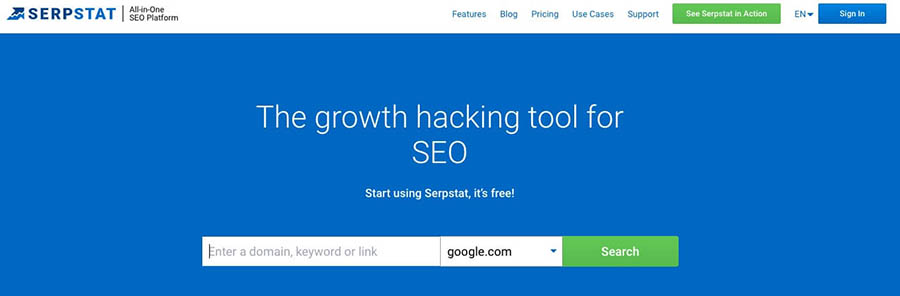
15. Serpstat

Alt text: Serpstat all-in-one SEO tool.

Serpstat is a relative newcomer to the SEO application market. It offers a suite of data-driven analysis tools for marketers. Among the different options, you’ll find an SEO audit tool, backlink checker, and competitor tracking features. 

This is a project-oriented system, which means you can organize your websites into groups or individual projects. All of these can then be accessed through a well-organized dashboard. You’ll be able to access any of Serpstat’s features from your project list. 

Serpstat is a little like a Swiss Army knife when it comes to functionality. You can use it to find broken links on your website, track down the cause of sluggish page loading times, and a lot more.

Key Features:

  • Handle a high volume of website monitoring for clients.
  • Use an on-site auditing tool for locating and fixing issues.
  • Access to a Market Intelligence tool for sizing up your competition regionally and globally.
  • Get easy compatibility with both the Mac and PC operating systems.

Price: This is technically a tool you can use for free, although there are limits to the number of searches you can conduct. To increase your query capacity, you can start with the ‘Lite’ plan at $69 per month

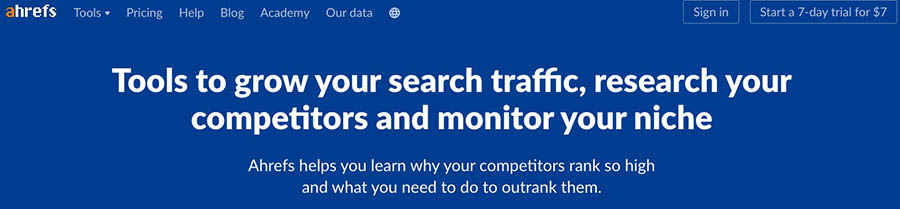
16. Ahrefs

Ahrefs SEO tool.

Ahrefs offers several data analysis and optimization tools. In fact, all of its tools are included in the same pricing plans. This means you don’t have to worry about missing out on critical features. Additionally, you’ll have access to the Ahrefs Academy,  an online knowledge base offering a wide variety of learning opportunities. 

One of the features you’ll have access to is a content research tool. With this, you can use keywords to find out what related content has performed the best on social media or in organic searches. The Ahrefs platform also includes a comprehensive dashboard, so you can keep track of all your projects. 

You’ll also be able to find content related to your specific target keywords and filter the results to highlight websites that have not linked to you before. Since Ahrefs crawls over 5 billion web pages per day, you’re sure to gain valuable insights from its data. 

Key Features: 

  • Analyze your competitors’ organic search rankings.
  • Access a vast database of information.
  • Gather valuable insights from a competitive analysis tool.
  • Benefit from a Search Traffic index that boasts 489 million keywords originating from 155 countries.

Price: Ahrefs offers four pricing tiers starting at $99 per month and a seven-day trial for $7.

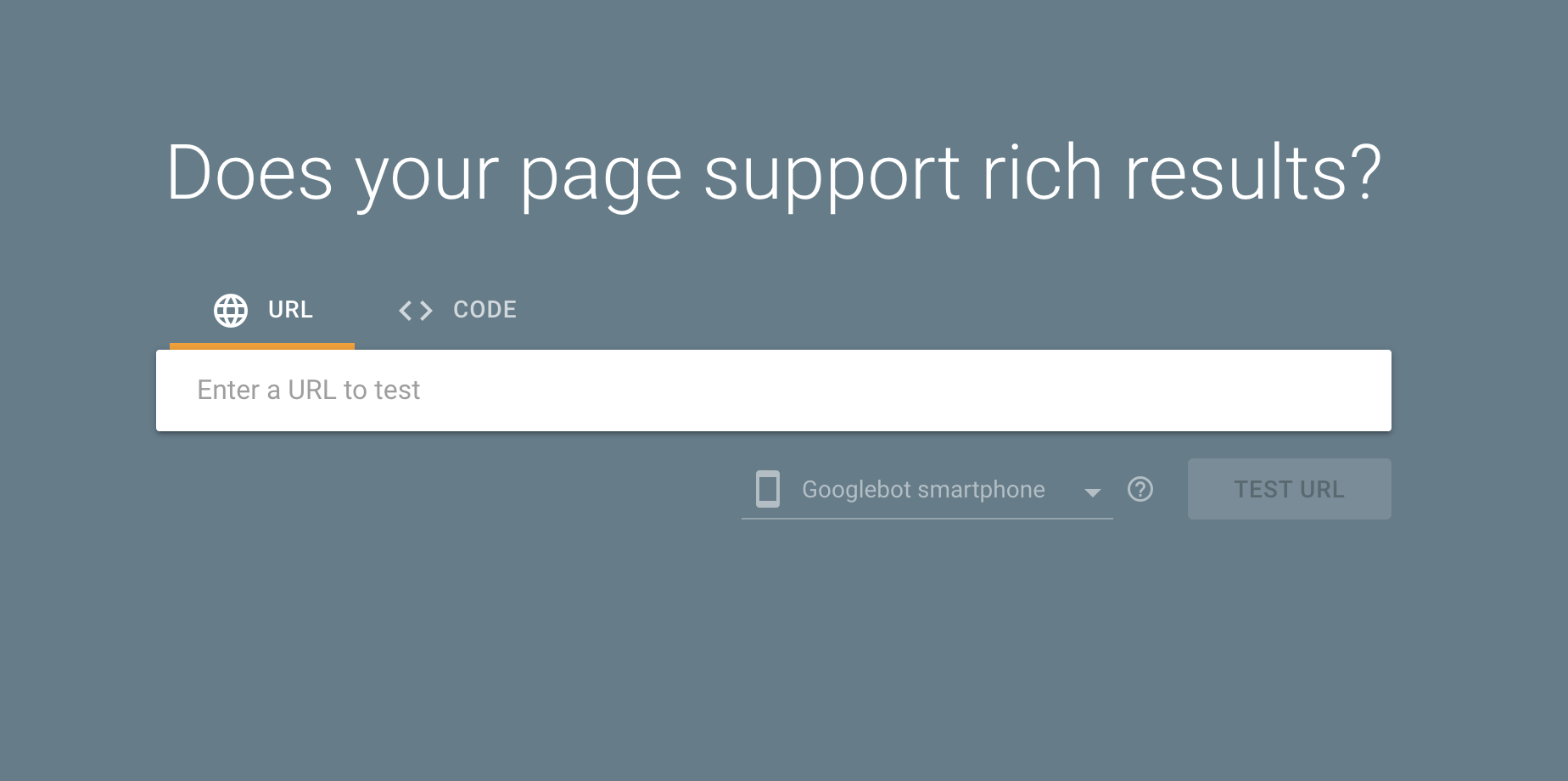
17. Google Rich Results Test

Google Rich Results Test

Google is always changing the way it displays search results to provide users a more enjoyable, useful experience. One of the ways it does this is by displaying “Rich Results.” You probably see examples of this every day without noticing much, from the gray knowledge panel box above traditional organic search results to a nicely organized list of the web’s best pound cake recipes.

For businesses and brands, the coveted “Featured Snippet” is a great place to answer questions and establish your authority as an expert in your respective field. See if your web pages are eligible for enhanced presentation in Google’s Search Results with their new Rich Results Test. Not sure where to start? Here’s a great introductory guide to Schema, and how it can lead to high-visibility enhanced search results.

Price: Free!

18. DreamHost’s SEO Marketing Service

SEO Marketing at DreamHost. "Get More Visitors, Grow Your Business"

Over the years, DreamHost has helped thousands of customers build websites — it’s kind of our thing! But recently, we’ve had a number of users reach out to ask if we could do more to help them reach their online goals, especially when it comes to getting more traffic.

And we get it: SEO is a complicated, multi-disciplinary marketing activity. It’s a hard thing to DIY when you’re busy running a blog or small business. 

That’s why we created our SEO Marketing service. Instead of mapping out an SEO strategy or doing keyword research yourself, our team of experts handles all the nitty-gritty tasks to get your site ranking higher on search engines. 

In addition to creating and publishing new content for your site each month, our team will develop a keyword strategy and continuously optimize your existing website to improve your ranking on relevant search results over time. 

And you’ll never have to wonder if your efforts are paying off. We’ll compile a monthly report for you to track ranking improvements and traffic growth. Additionally, you’ll receive regular calls from your dedicated SEO manager to make sure the work we perform each month is aligned with your goals. 

Key Features:

  • Offload your entire SEO strategy and execution to a team of SEO experts.
  • Boost on-page keywords with new custom content created every month by a professional copywriter.
  • Receive an in-depth monthly report on your site’s search engine rankings and traffic.
  • Sync monthly with your dedicated SEO manager to ensure the team’s efforts are aligned with your goals.

Price: We offer three plans — Startup, Business, and Enterprise — starting at just $399 per month.

Search Engine Optimization Made Easy

We take the guesswork (and actual work) out of growing your website traffic with SEO.

The Search for Website Optimization Tools

SEO is just one part of the puzzle when it comes to running a website. However, it’s a piece you have to pay special attention to if you want your website to get the traffic it deserves. After all, search engines don’t care how much effort you put into your blog posts and content if they aren’t optimized.

So are you ready to optimize your website? 

You can use dozens of services to improve your search engine rankings, but some of our favorites include Google Search Console, Moz Pro, and SEMrush. The first packs a lot of free SEO tools you can use to discover how search engines view your website, whereas the latter two enable you to conduct professional-level keyword research. For beginners, we recommend starting with SEO Toolkit — it’s one of the easiest and most affordable ways to improve your site’s rankings. However, if tackling SEO on your own seems overwhelming, check out DreamHost’s SEO Marketing service; our team of experts can do all the work for you.

The post 18 SEO Tools to Optimize Your Website for Success appeared first on Website Guides, Tips & Knowledge.


source https://www.dreamhost.com/blog/seo-tools-to-optimize-website-success/

Tuesday, 1 February 2022

5 Reasons Why You Need More Than One Domain

If you run a business, having a solid website may mean the difference between failure and success, and choosing your primary top-level domain (TLD) is a crucial first step.

But like Lay’s potato chips, I bet you can’t have just one.

Purchasing multiple domains for your company can increase the visibility of your business and protect your brand from hungry competitors.

And you don’t need multiple websites to get started! In fact, there are several good reasons to purchase more than one domain for your main website — even if it means coughing up some extra cash up front. In this article, I’ll break down exactly why it’s a solid idea to have multiple domains and how this can impact your business.

Once you pop, the domains don’t stop.

1. People Can’t Spell

It happens all the time. Humans make mistakes, especially when putting words on paper and URLs into browsers. This is why it is a great idea to consider snatching up some variations on your primary domain.

For instance, Google bought Googel.com and Gooogle.com since these are common mistakes people can make when typing in their browser’s address bar.

When you allow for human error by picking up additional domains, you can capture spelling-challenged users instead of losing them to the internet void — or worse, a competitor’s website.

If you already have a domain but are unsure if you should snatch up some misspelled variations, data can help!

Go to the Google Search Console, log into your Google account, and then click on your website property. Click on the Search Traffic drop-down on the left and then Search Analytics. From here, you can check on search queries people have used to find your site, making it easy to keep tabs on which search terms, if any, may be misspelled. If you happen to find a recurring misspelled term that directly relates to your primary domain, you might want to consider buying that domain name and redirecting it to your main landing page.

2. You Need to Protect Your Brand

Purchasing multiple domains for your business site can be a huge aid in protecting and strengthening your brand in a few key ways.

Stop Copycats

Keep competitors from snatching up a similar domain and causing confusion for your users. You don’t want business copycats directing traffic away from you.

Rebrand Like a Pro

If your business used to have a different name, it could be a good idea to have domains for both the old name and the new one to get customers to the right homepage. The same goes for if you want to change the name of your brand. Buy a new domain and — once the new website is built and ready — redirect the old domain to the new one.

Consider Consumers

Depending on what goods and/or services your business provides, it might be a good idea to register an additional domain name that appropriately describes what vertical your business is in — think JoeShmoeCupcakes.com versus simply JoeShmoe.com.

And remember, people might not always refer to your brand by the official name. Here’s a real-world example. Coca-Cola is an official company name, and the brand’s official website is Coca-Cola.com. But many people all over the world commonly refer to the soda giant as “Coke.” That’s why if you type Coke.com in your browser’s search bar, it redirects appropriately.

Using specifically descriptive domain names makes it easier for a potential customer to find you — and helps with search engine optimization (more on that in a sec).

Make Use of New TLDs

Something else to consider is jumping on the new top-level domain (TLD) train. New generic top-level domains (ngTLDs) — like .xyz or .store — can present a new opportunity for your business.

Let’s say you sell original art prints and operate a website called, CindysPhotography.com. Having a .com is absolutely necessary, and it may be wise to also snatch up a .net (depending on your business). But purchasing an additional ngTLD like CindysPhotography.art can open you up to a dedicated collection of users looking specifically for products in your business vertical. You could also acquire CindysPhotography.store and link it directly to the e-commerce portion of your website in order to drive more traffic.

Buying these types of domains can make your business stand out in search results and highlight what differentiates you from the competition.

Protect Your Brand Today

Don’t let someone else register your URL. Search DreamHost’s 400+ TLDs and secure your brand online.

buy a domain name

3. You Want to Boost Search Engine Optimization

As we’ve already hinted, having more than one domain for your business can improve your page rankings in search engine results. It is crucial to note that buying up multiple domain names for your business should be redirected to your primary landing page using what is called a 301 redirect.

According to SEO.com, when creating a Robots.txt file and an XML sitemap so that search engines can index your site more easily, including 301 redirects from multiple purchased domains to a singular destination makes it even easier for your site to be indexed properly. Google will not penalize you for duplicate content with this redirect, and it is an easy thing to implement through your domain registrar or site-builder (speaking of, have you heard about our WordPress website builder?).

However you build your website, redirecting domains is generally a simple task. Simply search for a domain redirect option in your site builder’s interface or contact the support team.

4. You Want to Set Up Promotions and Special Offers

Using multiple domains for promotional purposes can be a great way to generate brand buzz and drive traffic to your website. You simply register a new domain related to the event and create a specific landing page for the promotion.

Let’s get back to the potato chips we were talking about earlier.

Say your business sells crispy, delicious potato chips, and your company website is SallysChips.com. Hypothetically speaking, you just came out with a brand new wasabi-flavored chip (why not?) and want to promote it.

First, you’d create a snazzy new landing page with mouthwatering pictures, compelling content to convince readers that this is, in fact, a good idea, and a link to order online. Then you could pick up the domain SallysWasabiChips.com instead of using SallysChips.com/wasabi. Why? Because the new domain is easier to remember for users and simpler to advertise.

If you have multiple promotional TLDs redirected and properly represented in the sitemap file, search engines will index these domains appropriately, and your page rankings can increase as a result.

However, it is important to note that if you do purchase a domain for a temporary product or service promotion, once that promotion has ended, you should disable that domain, hide the landing page, and update the sitemap so as to not saturate search engine results with outdated pages.

5. You Want to Expand Into New Markets

It is never too early to start thinking about the geographical expansion of your business, and multiple domains for your business can aid in this endeavor.

In fact, if you operate an online business that serves people outside of your home country, investing in country-specific TLDs is a must.

To achieve the best results in international SEO, you will need other country domains that lead to your site. For instance, if you own an online pottery store based out of New York City but sell to Europe and Canada, having NYCPottery.co.uk and NYCPottery.ca, in addition to your primary domain, will give you a big advantage.

As soon as expanding on an international level becomes a relevant venture for your business, acquiring multiple country-code domains is a must.

Is This Strategy Right For Your Business?

While having multiple domains for your business is very beneficial in many cases (we’ve obviously just given you five compelling reasons), it is important to note that not all businesses need more than one domain.

For example, if you own a single brick-and-mortar store, then it might not be a good idea to own multiple domains since you don’t want to confuse customers. When it comes to small businesses with single locations, a simple and specific domain name is the way to go.

Let’s say you have a bookstore in Austin, Texas, called Bobby’s Books, and you buy the domain BobbysBooksAustin.com. Purchasing additional domains like BobbysBooks.com, BobbysAustinBooks.com, and BobbysBooksinAustin.com and having them all redirect to the main website is probably unnecessary.

Dominate Your Domain Strategy

Do you feel ready to start buying up domains for your new website? DreamHost makes it simple and easy to find the best domains for you with more than 400 available TLDs.

Domain Deals for a Limited Time

Find your new domain name before someone else does! Click here get a discounted domain for a limited time!

The post 5 Reasons Why You Need More Than One Domain appeared first on Website Guides, Tips & Knowledge.


source https://www.dreamhost.com/blog/5-reasons-you-need-another-domain/

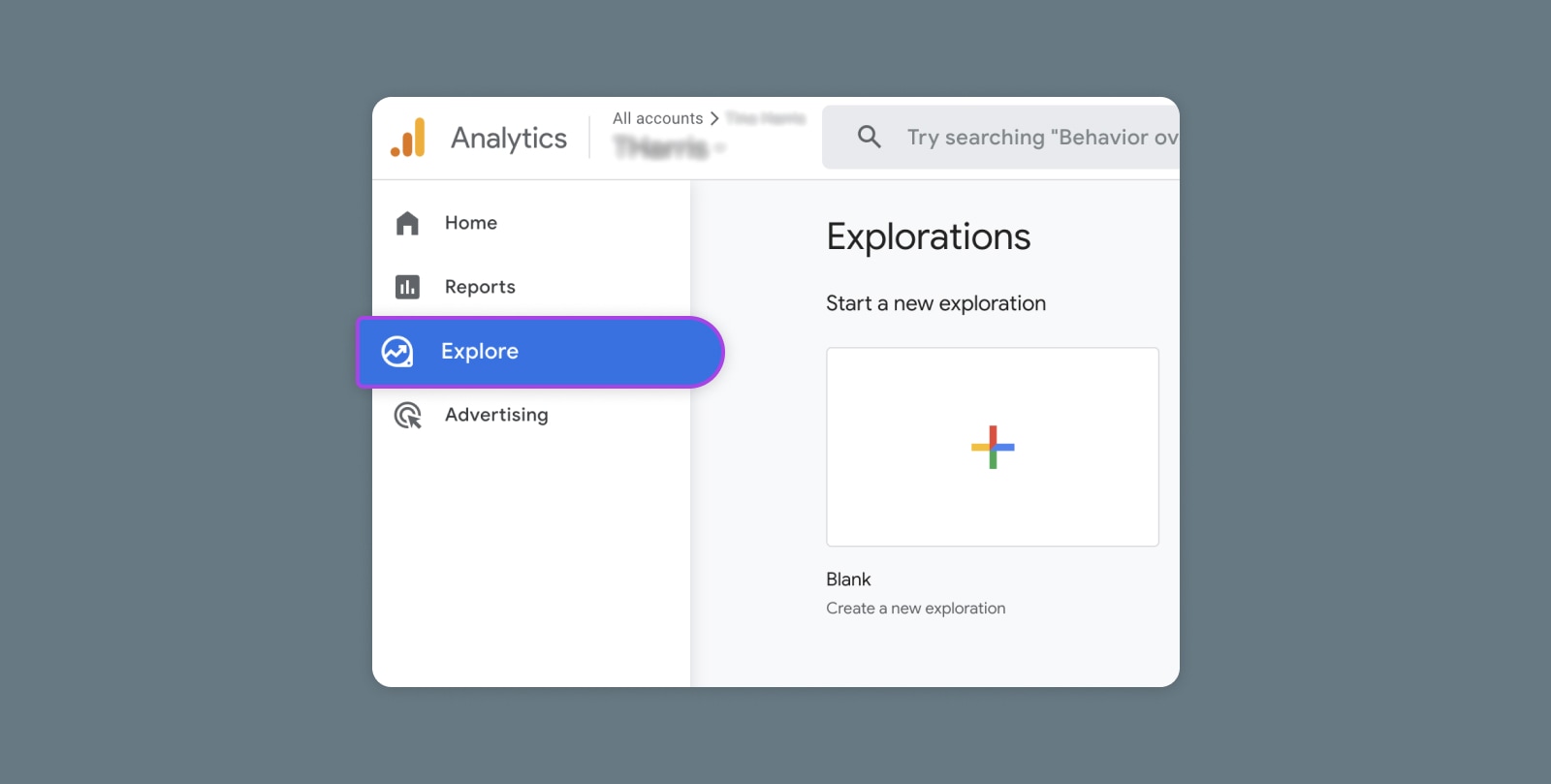
Creating and Mastering GA4 Explorations

In the switch from Universal Analytics (UA) to Google Analytics 4 (GA4) — which will go fully into effect July 2023 — a lot of things have...